

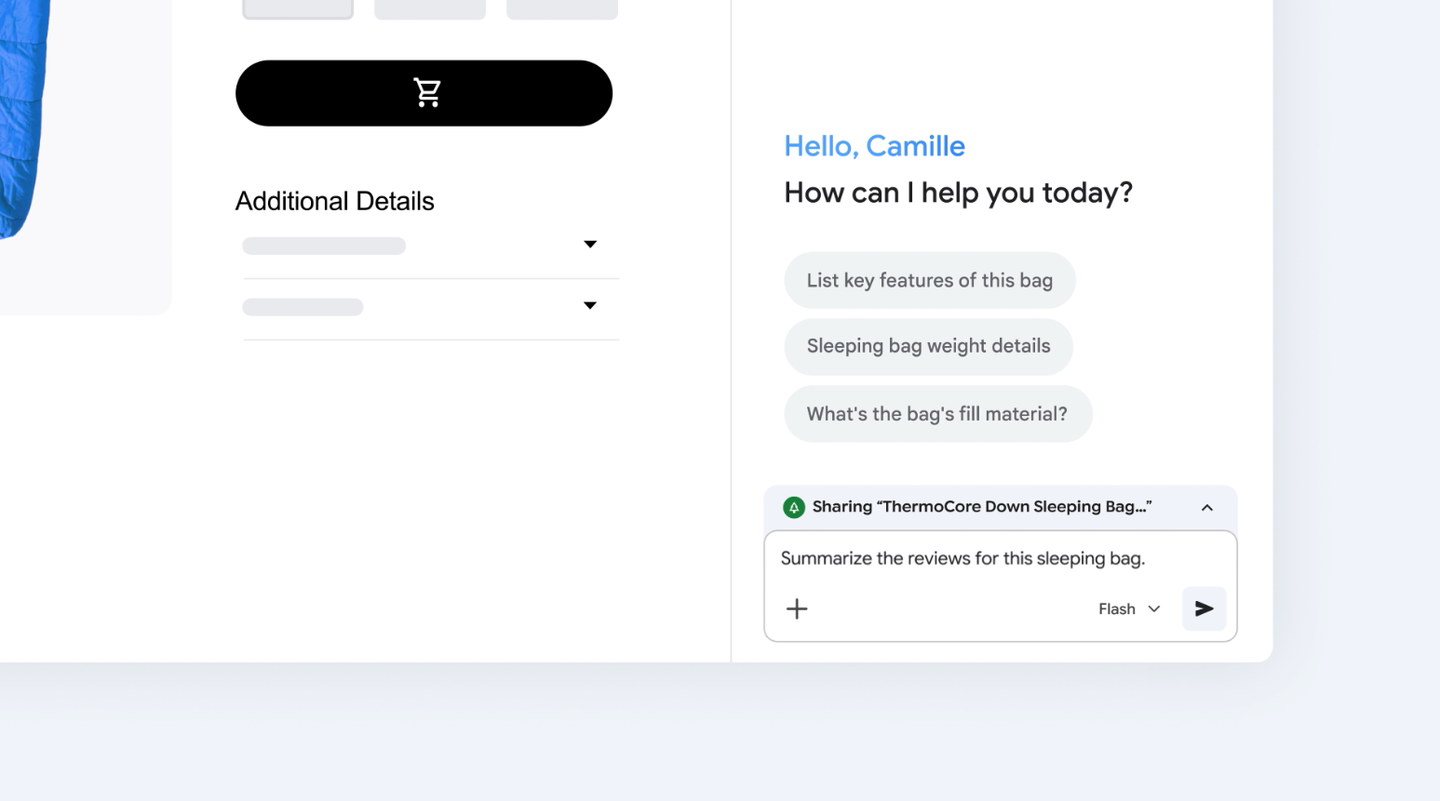
Gemini in Chrome can help summarise and explain a page while you keep it open. For a creative brief, give that summary a structure you can verify: requirements, supporting passages, unresolved questions and a source URL for each claim.
In a 12 November post, Google highlighted opening Gemini from the Chrome toolbar and asking it to summarise reports, compare product details or explain a topic while keeping the page open. The short announcement does not establish availability for every account or region.
Give the summary a useful shape
For a product page, try a prompt such as: “List the supported inputs, outputs, stated restrictions and unresolved questions. For each factual claim, identify the passage on this page that supports it. Mark anything you cannot find as unknown.”
This is a suggested research prompt, not a tested Gemini result. Its purpose is to produce something easier to verify than a broad overview. A missing export format should stay missing rather than becoming an assumption inside the brief.
Three prompts for a more useful research pass
Summarise without losing the conditions
Summarise this page in five bullets.
Keep preview labels, eligibility requirements and exceptions.
Identify the section supporting each bullet.
List anything this page does not establish.
Extract a comparable product specification
Use these fields: inputs, outputs, export formats,
licence restrictions, access requirements and date checked.
For each field, give the source passage or write “not stated”.
Separate current features from announced plans.
Prepare a decision, without inventing a verdict
Using the checked source matrix, explain which requirements
are supported, which are unmet and which remain unknown.
Keep your interpretation separate from vendor statements.
End with the smallest practical test that resolves an unknown.
These are reusable research prompts, not transcripts of a product test. If a response cannot identify the evidence, go back to the page before using the claim.
Keep comparison fields consistent
When researching several tools, use the same fields for each one. Add a date checked and a source URL to every row. Separate a vendor’s statement from your own judgement about how it might fit the project.
For example, “the page lists PNG export” is a source claim. “This may fit our static social assets” is an interpretation. Keeping the two separate helps a colleague understand why you shortlisted the tool and what still needs a trial.
Save a source matrix with the brief
Download the research source matrix. Give each claim its own row, including the exact product variant and the date checked. A single link at the bottom of a long summary makes it harder to tell which part of the source supports which conclusion.
The matrix also makes updates cheaper. When a preview becomes generally available or a product changes its licence, you can revisit the affected rows instead of rewriting the whole brief from memory.
Verify the details that change the decision
Open the original passages for licensing, file formats, access requirements and output restrictions before making a recommendation. Check whether a page describes a released feature, a preview or a future plan.
Then turn the research into a short decision note: the proposed use, the supporting evidence and the remaining test. That gives the next person a clear starting point without requiring them to repeat every browsing step.
The useful habit is keeping the route back to the source. A concise AI summary can speed up reading; a checkable brief helps the team act on what it has read.
Where this stops being research
A page-side answer is not evidence that a workflow runs successfully. When your decision depends on a file opening, a model loading or an export retaining transparency, the next step is a controlled trial with your actual input. Save the result alongside the source matrix so the final recommendation has both documentation and execution evidence.