
Our Resources
AI & ML resources: explore guides, demos, code samples and best practices from Synthetic Labs to master automation and custom agent workflows.
Resource guides
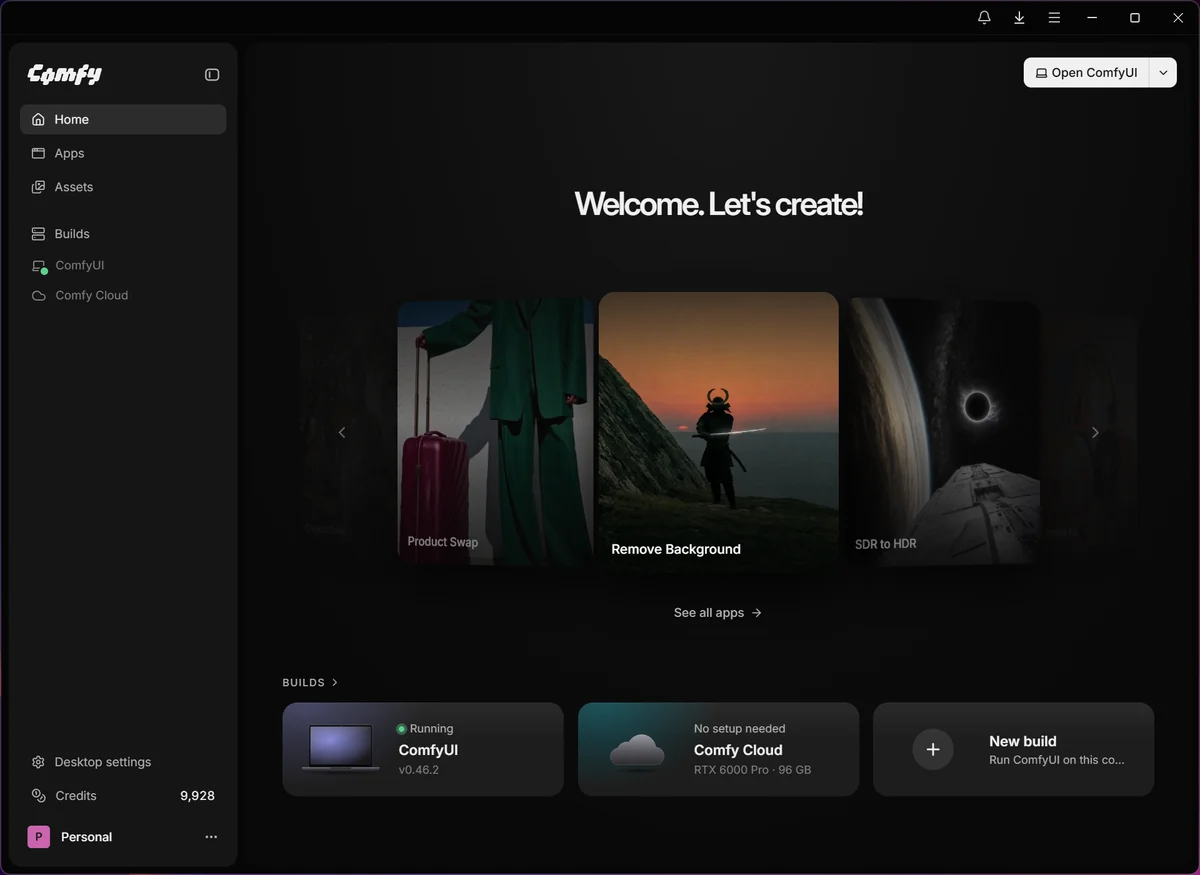
Comfy Desktop 1.2: Apps, Builds and Local-to-Cloud Setup
Comfy Desktop 1.2 adds six single-task Apps, shared build folders, pre-update snapshots and Comfy Cloud support. See what changed and how to plan your setup.
How to Update ComfyUI Safely: A v0.45.4 Workflow Checklist
Before updating ComfyUI to v0.45.4, save a reproducible baseline, separate application and custom-node changes, and verify outputs with a downloadable manifest.
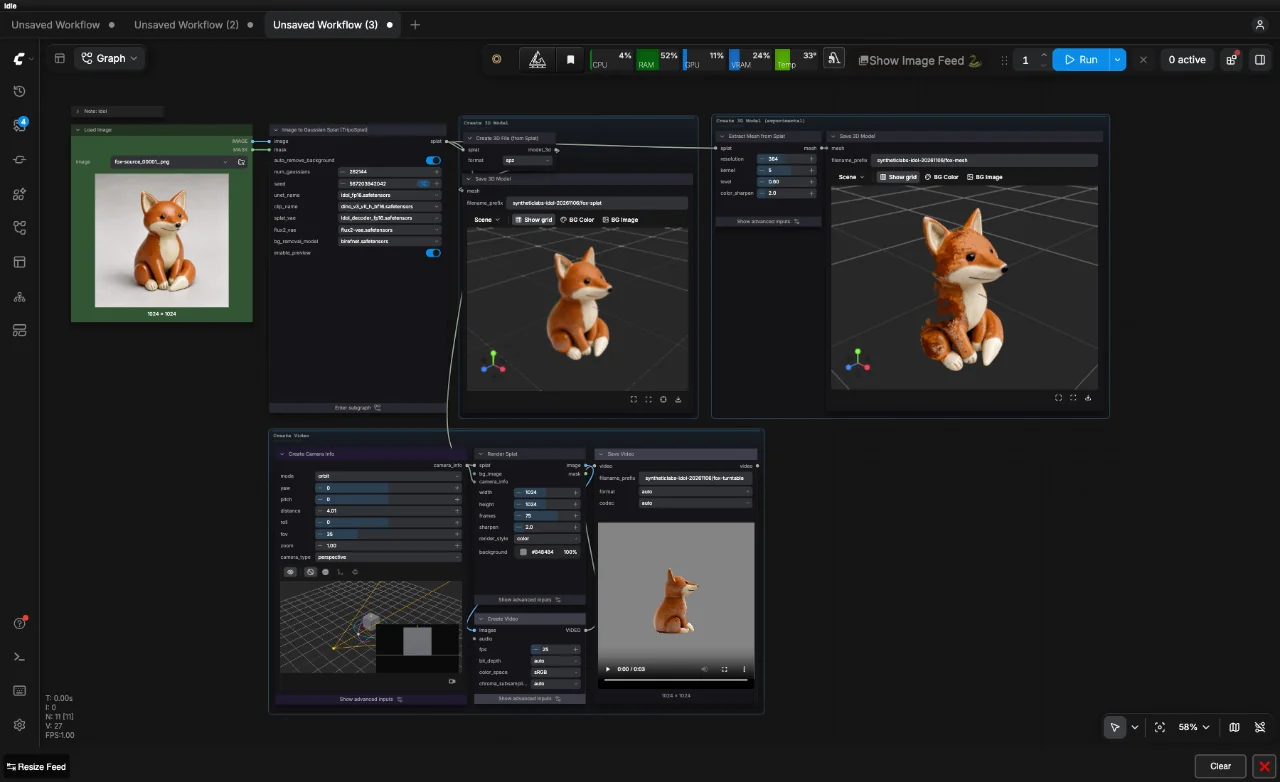
Idol in ComfyUI: Image to 3D Gaussian Splat, GLB and Turntable
Turn one image into an SPZ Gaussian splat, a GLB mesh and a turntable video with this Idol ComfyUI workflow. Download the JSON and follow the model setup.
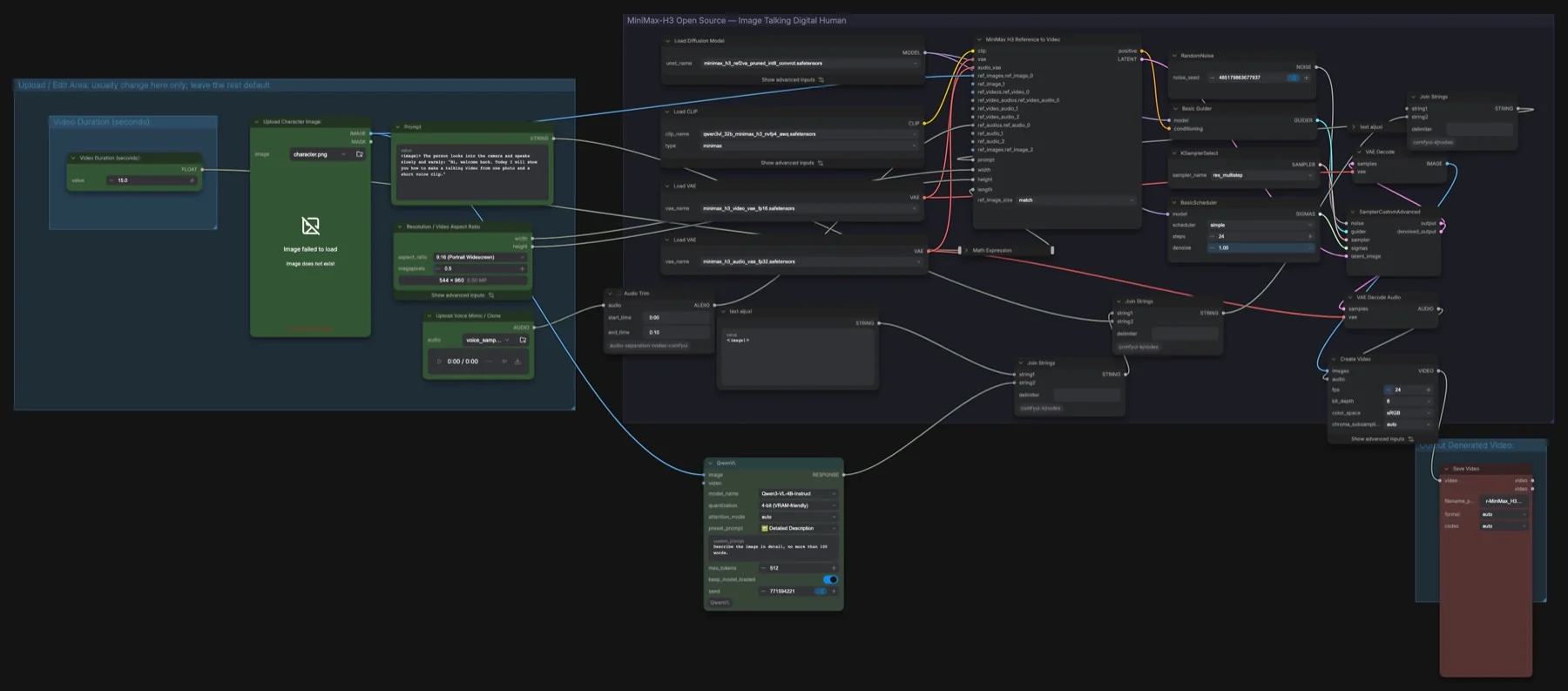
MiniMax H3 Talking Avatar in ComfyUI: Photo and Voice to Video
Build a MiniMax H3 talking avatar in ComfyUI from one photo and a short voice clip: the files, three custom node packs, the 24-step settings and consent rules.
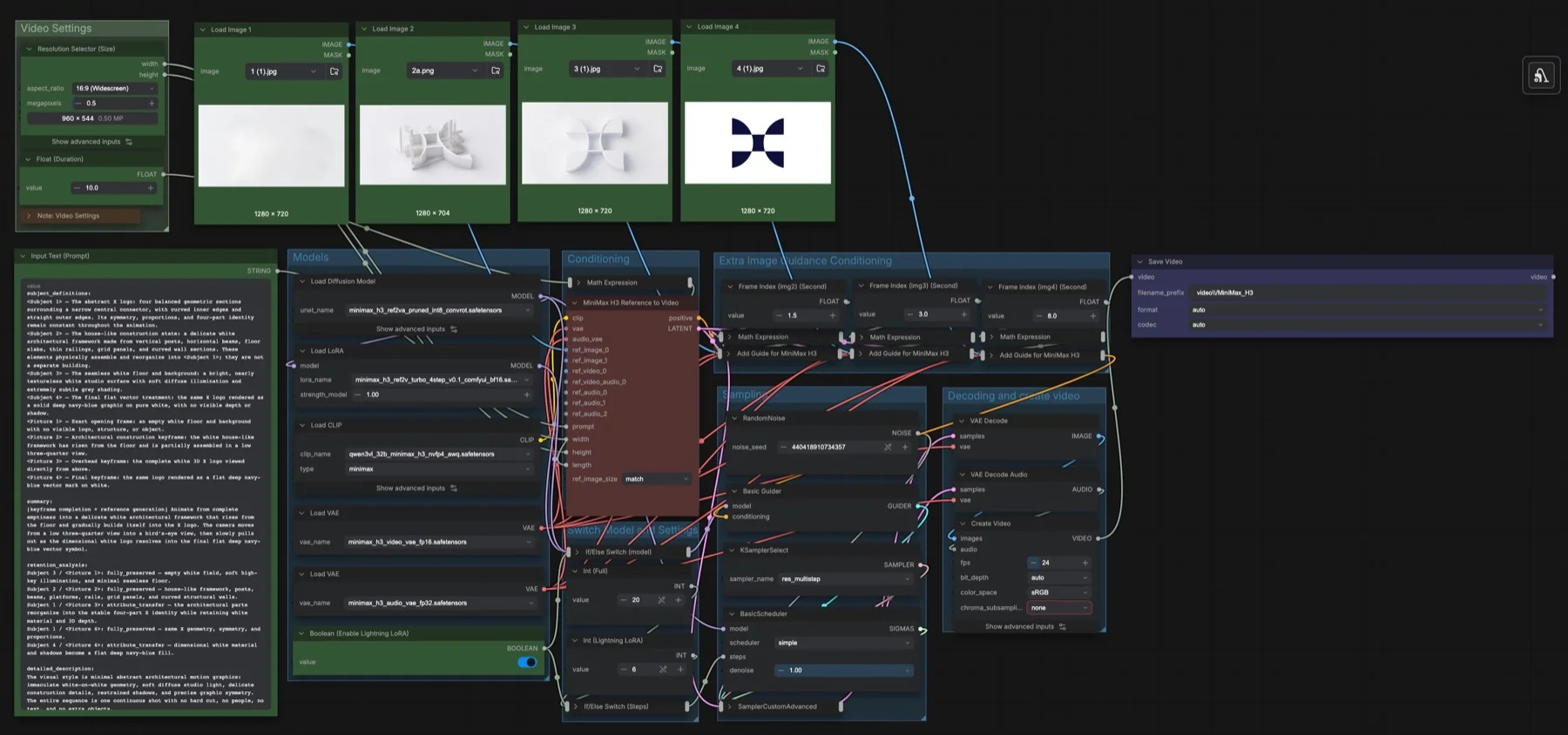
MiniMax H3 Multi-Keyframe Video in ComfyUI: Pin Images in Time
Build our MiniMax H3 multi-keyframe workflow in ComfyUI: pin four images at set seconds with Add Guide nodes, toggle the Lightning LoRA, and get the files.
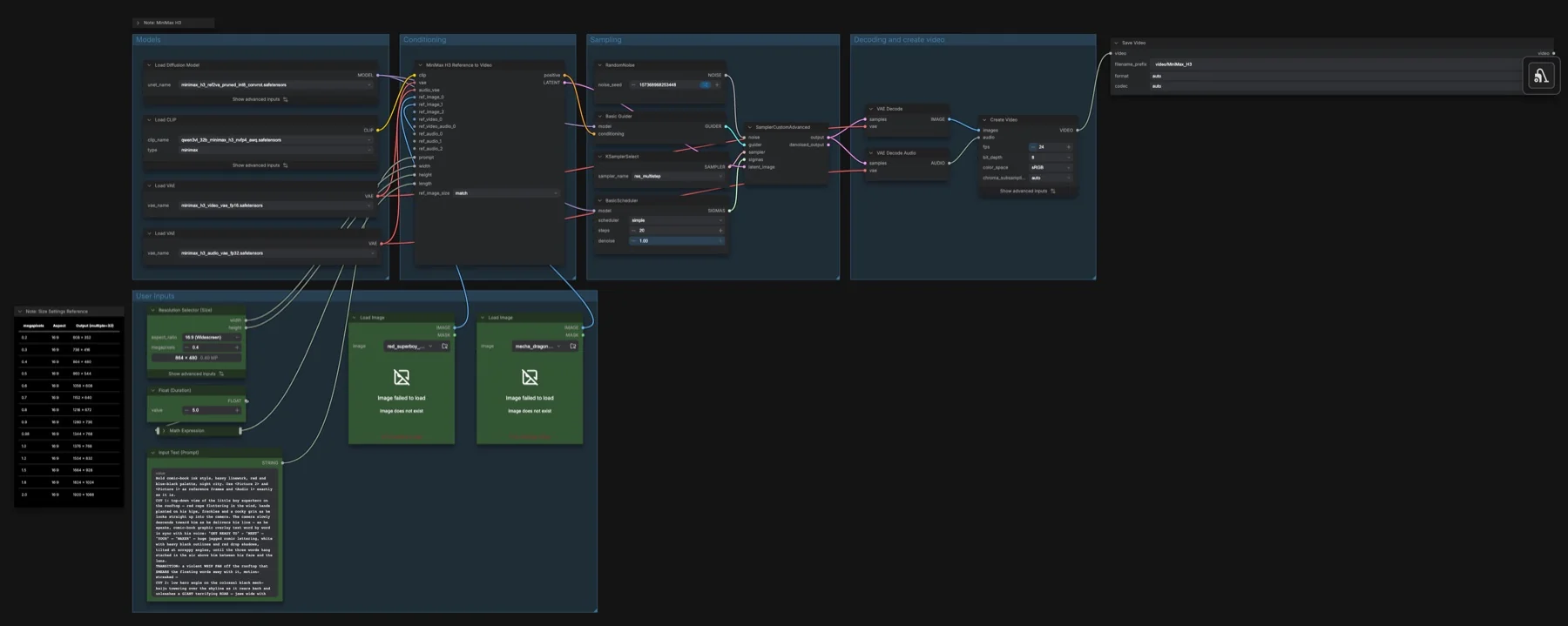
MiniMax H3 Reference to Video in ComfyUI: Images, Audio, Setup
Use the MiniMax H3 Reference to Video template in ComfyUI: up to 9 images, 3 videos and 3 audio clips, prompt tags, the ref2va model files and the settings.
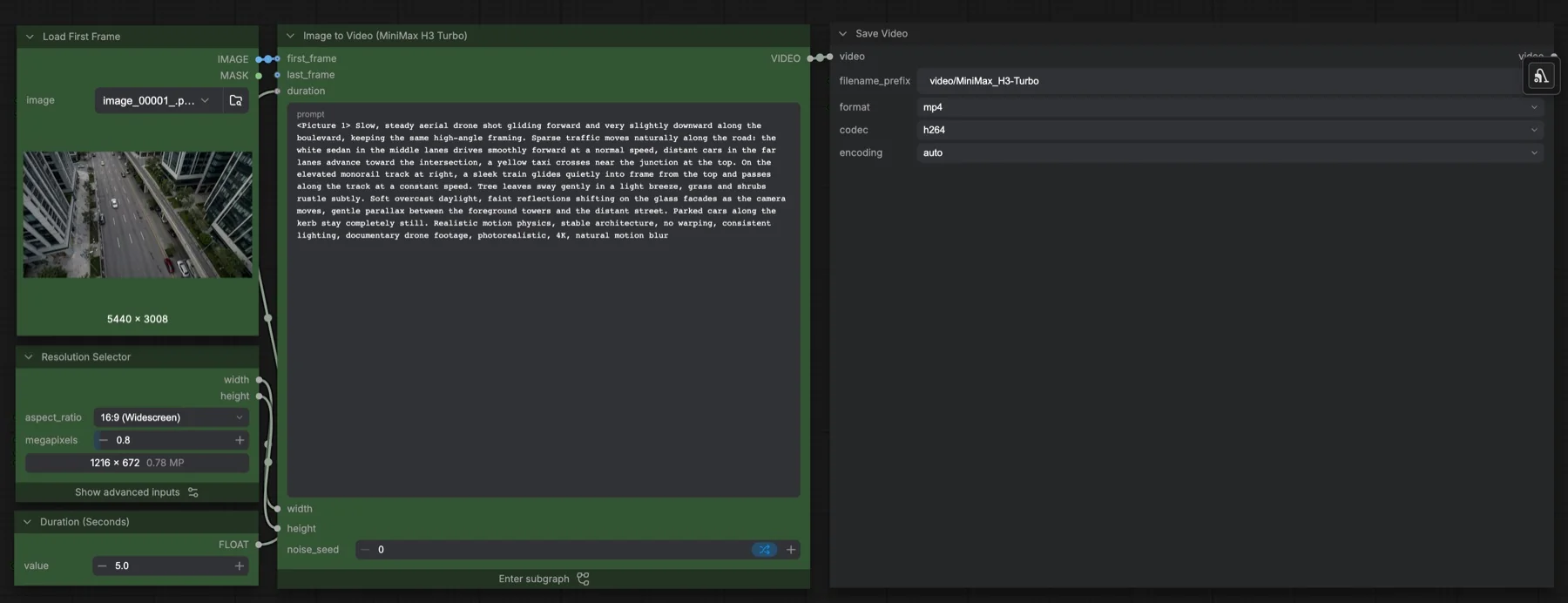
MiniMax H3 Turbo in ComfyUI: Image to Video with a Turbo LoRA
Build our MiniMax H3 Turbo image-to-video workflow in ComfyUI: the 4-step Turbo LoRA at 0.5, a 6-step beta schedule, live previews and the files you need.
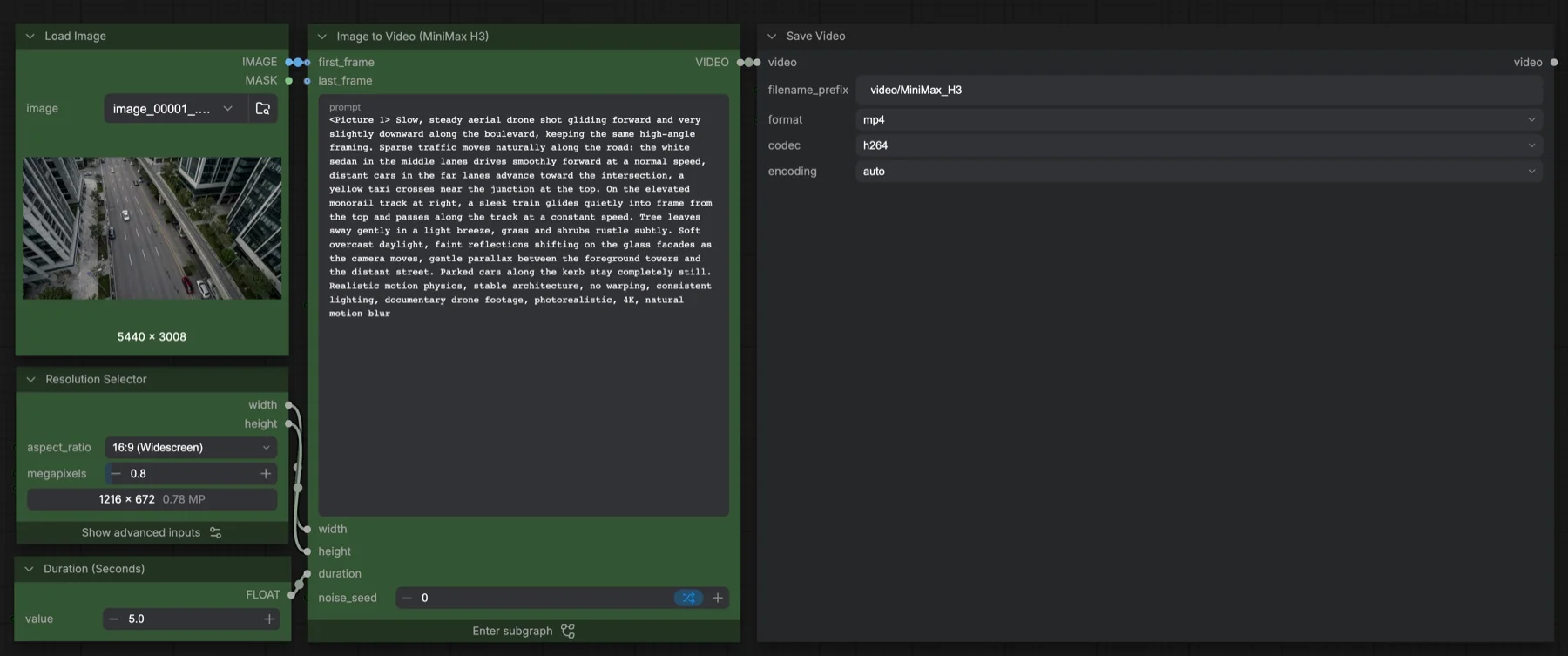
MiniMax H3 Image to Video in ComfyUI: Files, Settings, Licence
Run the MiniMax H3 Image to Video template in ComfyUI: the four files and where they go, the 20-step res_multistep settings, duration control and the licence.
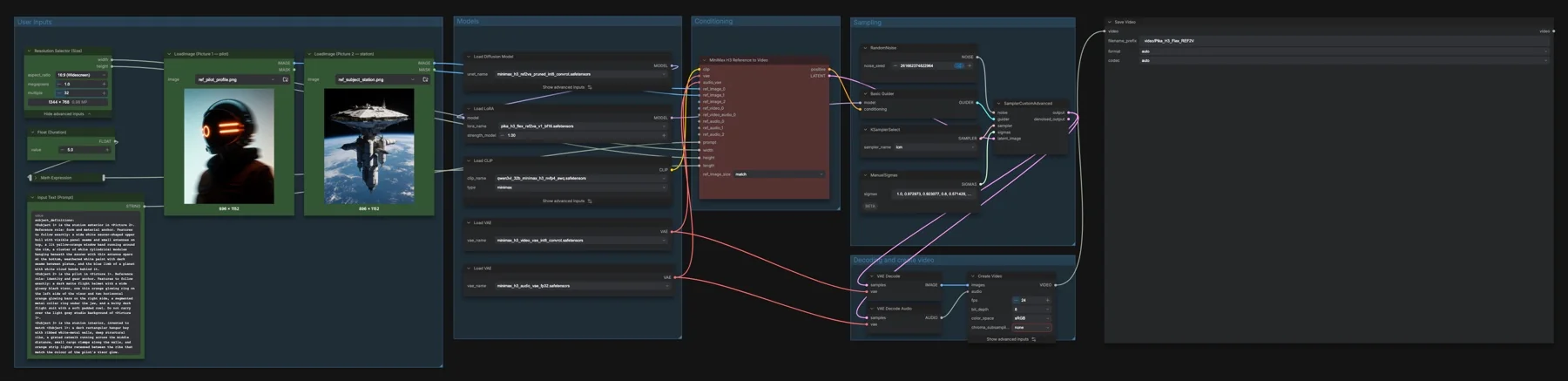
Pika H3 Flex in ComfyUI: Reference Images to Video
Animate reference images with the MiniMax H3 reference checkpoint and Pika adapter. See the saved settings, model download locations, workflow screenshots and licence notes.
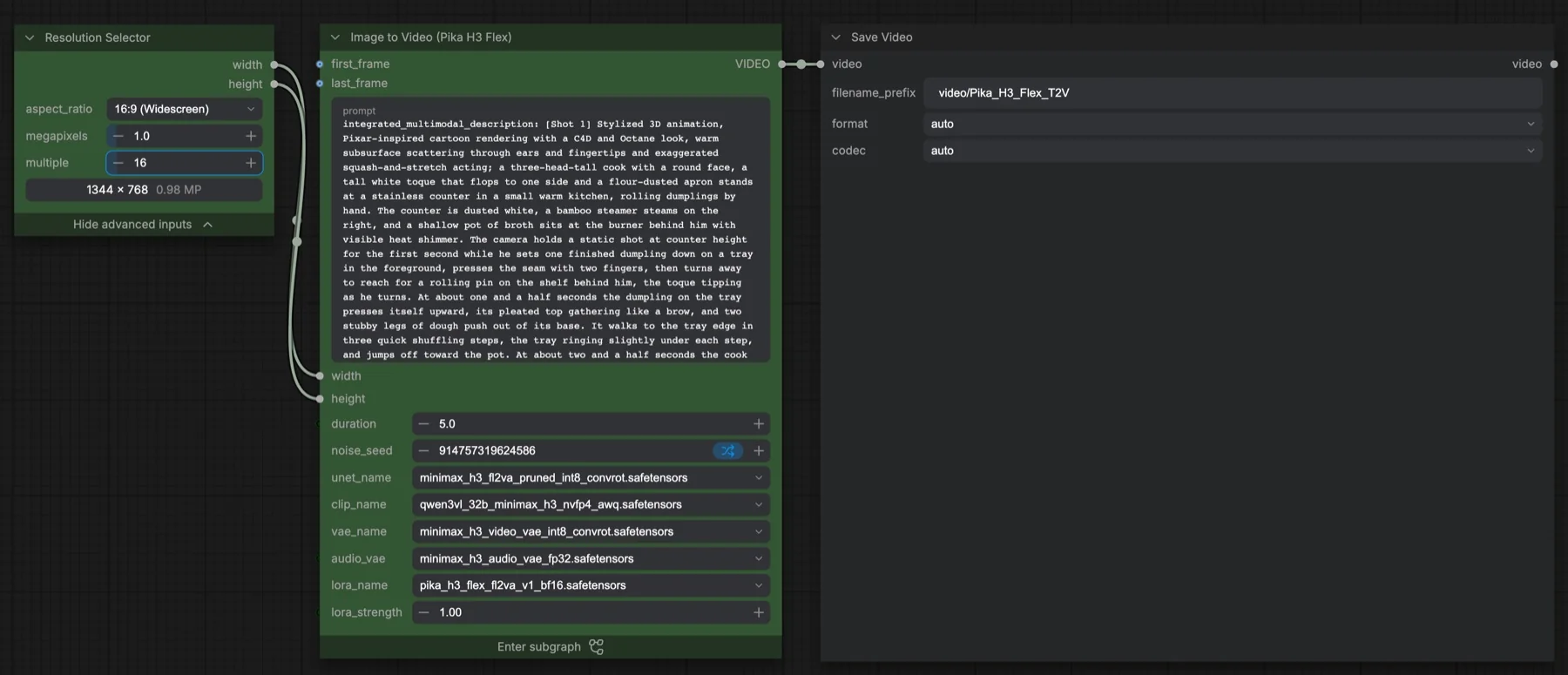
Pika H3 Flex in ComfyUI: Six-Step Text to Video Guide
Generate video and audio from a prompt using the Pika adapter on MiniMax H3. See the saved settings, model download locations, workflow screenshots and licence notes.
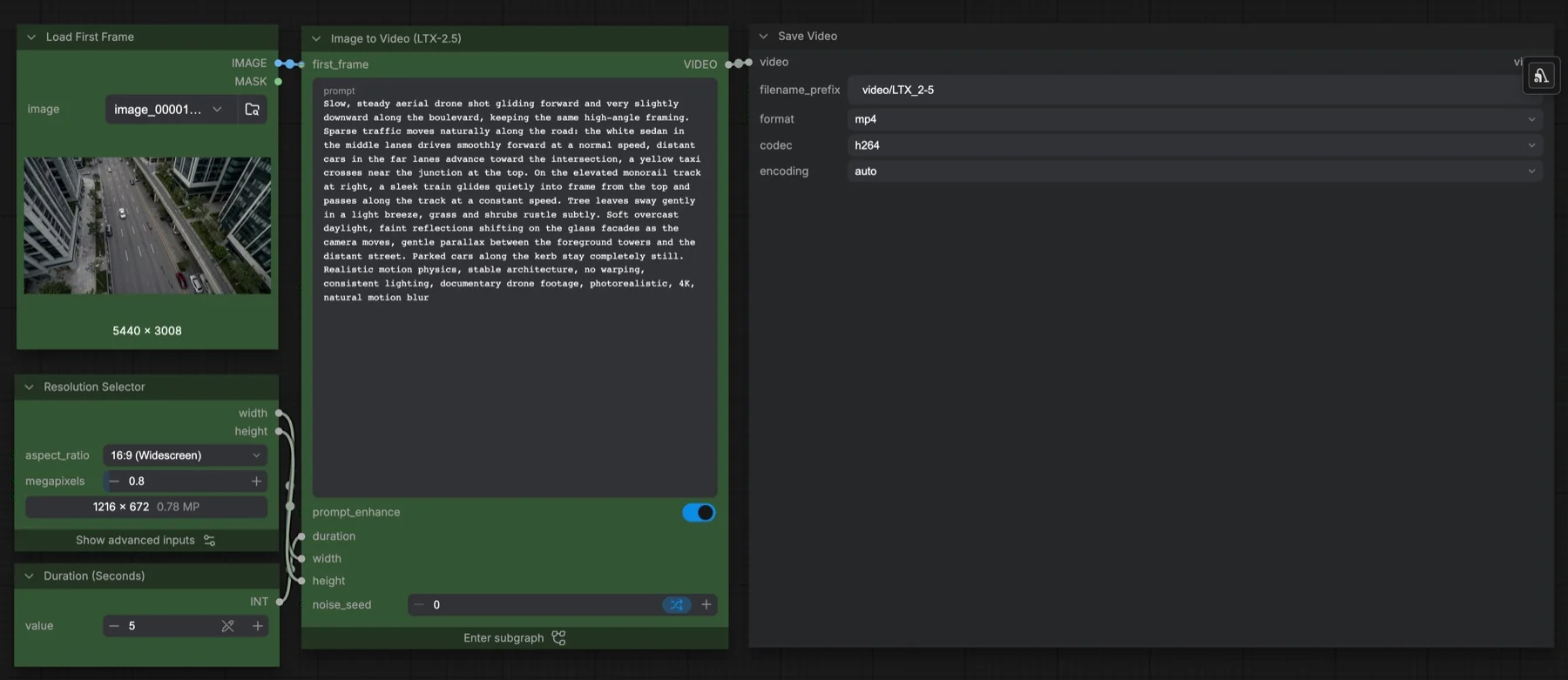
LTX-2.5 in ComfyUI: Image to Video Files and Settings
Animate a first frame with LTX-2.5 and its two-stage latent sampling graph. See the saved settings, model download locations, workflow screenshots and licence notes.
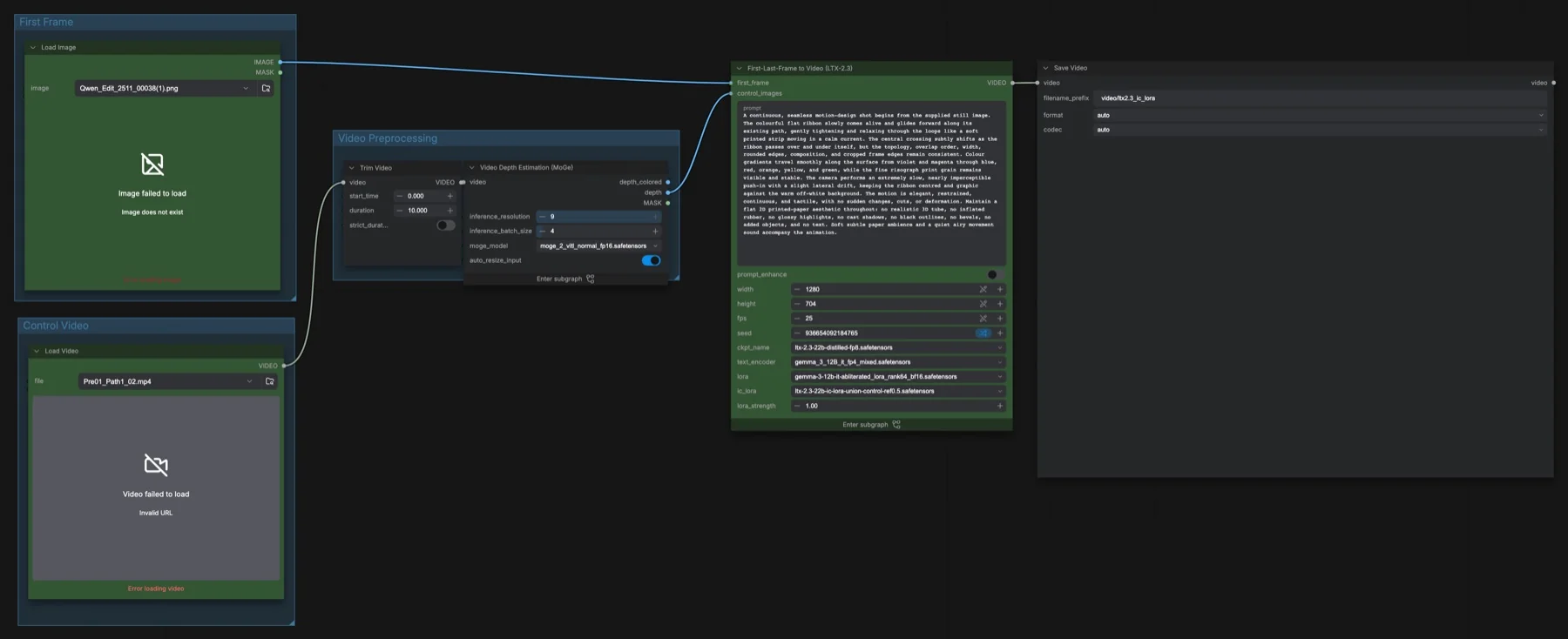
LTX-2.3 Depth Control Video in ComfyUI: IC-LoRA and MoGe Setup
Drive LTX-2.3 with depth from a control video in ComfyUI: our IC-LoRA Union Control and MoGe build, the 41 GB of files, 8-step settings and licence terms.
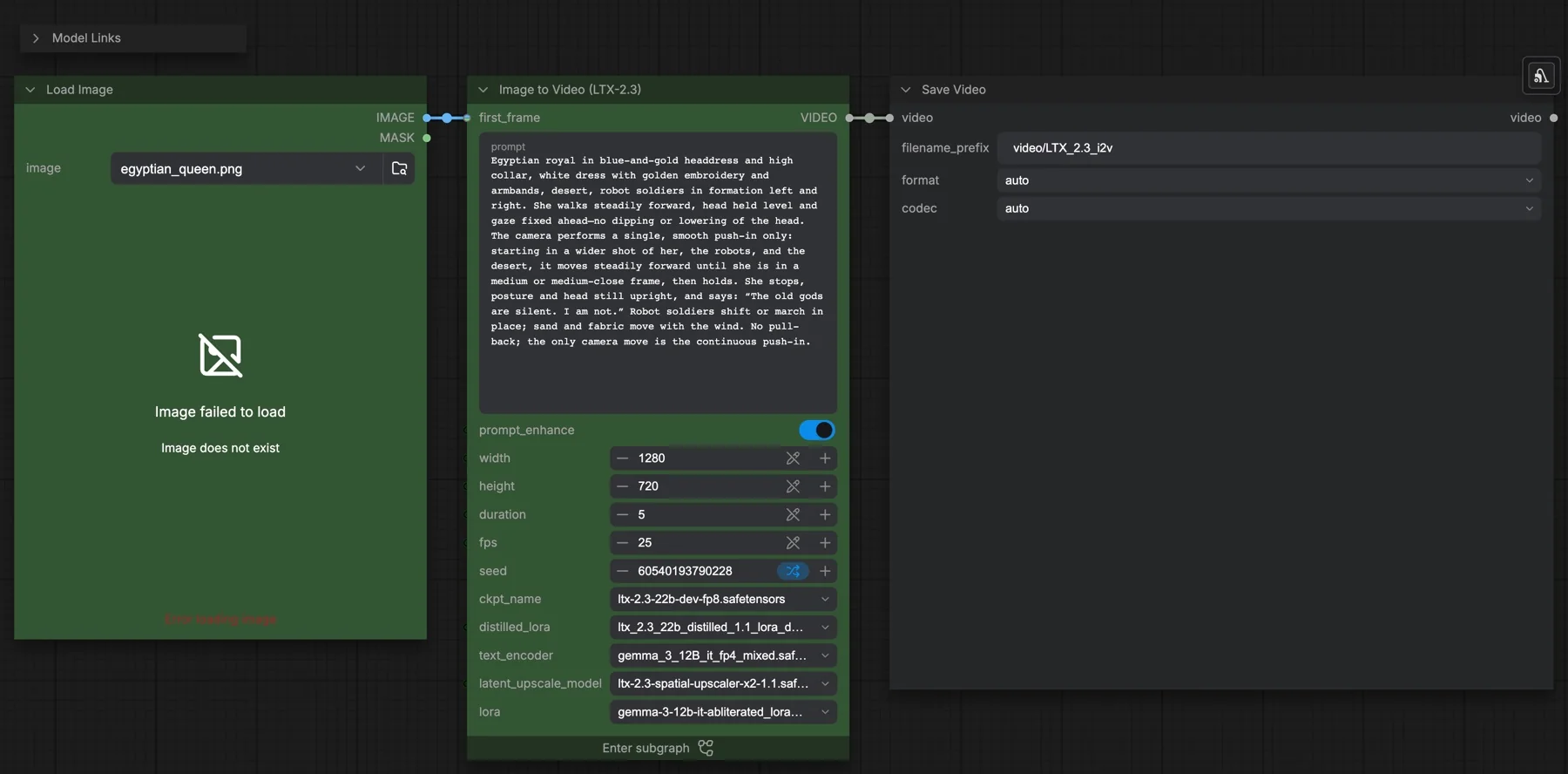
LTX-2.3 Image to Video in ComfyUI: Files, Settings and Licence
Set up the LTX-2.3 image-to-video template in ComfyUI: which 43 GB of files go where, the two-pass 8 + 3 step settings, the prompt enhancer and the licence.
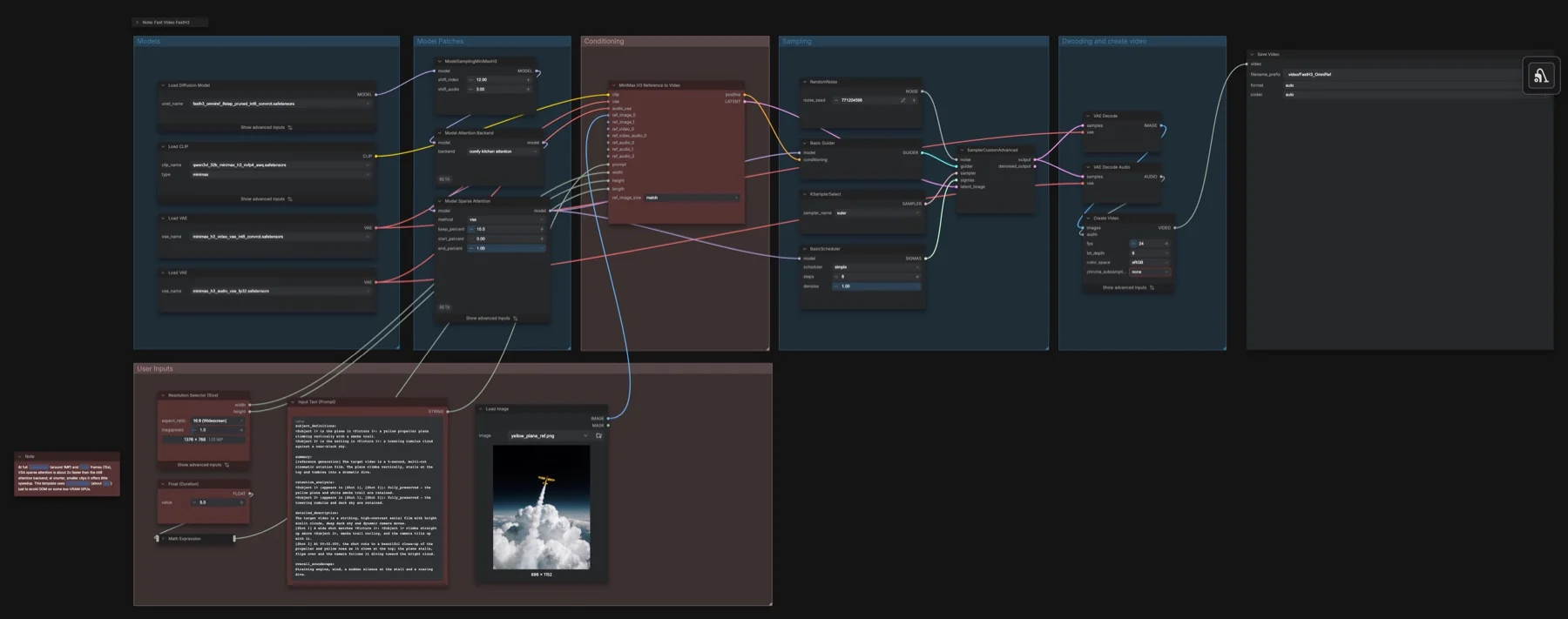
FastH3 OmniRef in ComfyUI: Reference to Video Workflow
Use a reference image and a prompt with the eight-step FastH3 OmniRef checkpoint. See the saved settings, model download locations, workflow screenshots and licence notes.
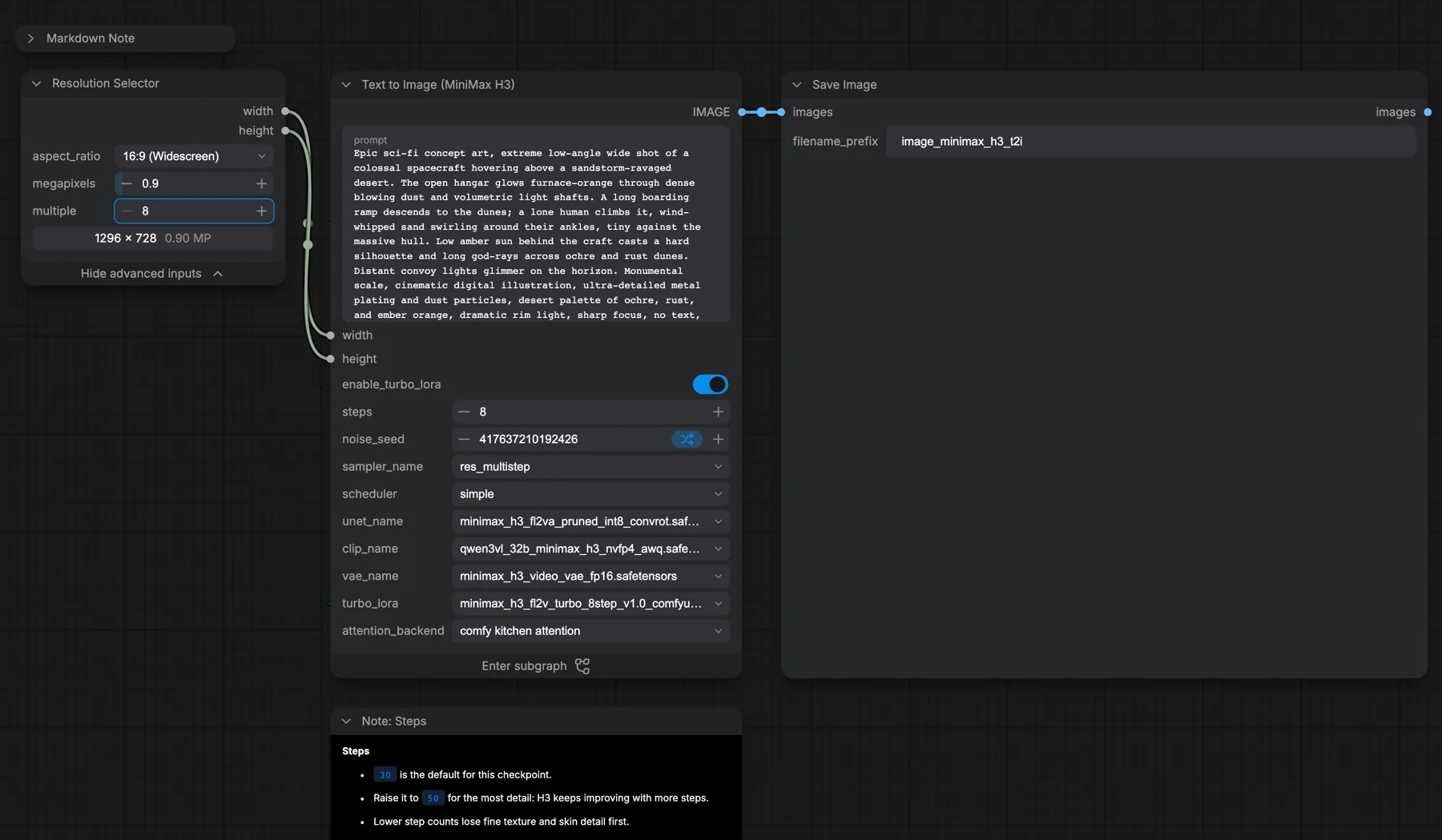
MiniMax H3 in ComfyUI: Eight-Step Text to Image Guide
Decode a single still image from MiniMax H3 with the eight-step Turbo LoRA. See the saved settings, model download locations, workflow screenshots and licence notes.
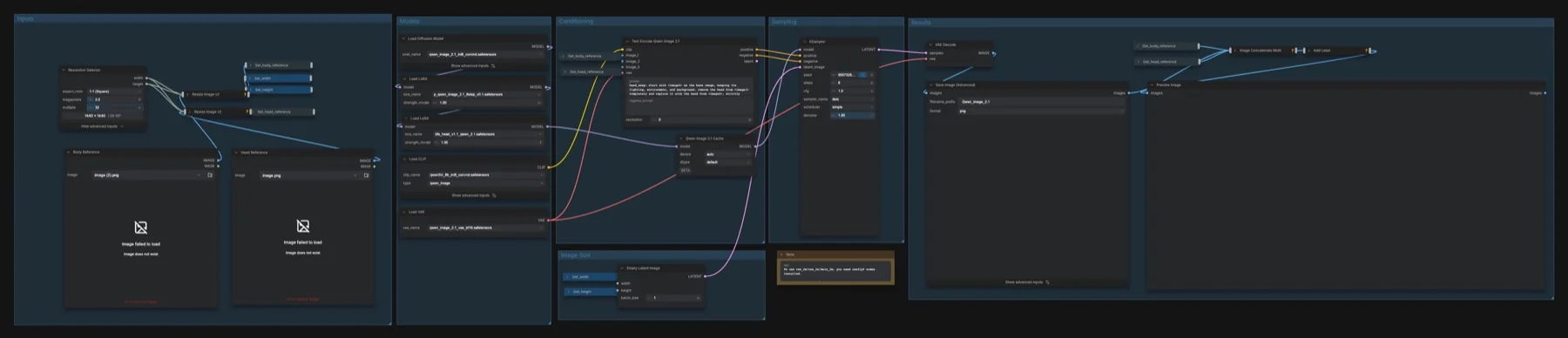
Qwen-Image 2.1 Head Swap in ComfyUI: BFS LoRA Workflow Guide
Build a Qwen-Image 2.1 head swap in ComfyUI with the community BFS LoRA: files and folders, 8-step settings, the KJNodes pack, consent and licence notes.
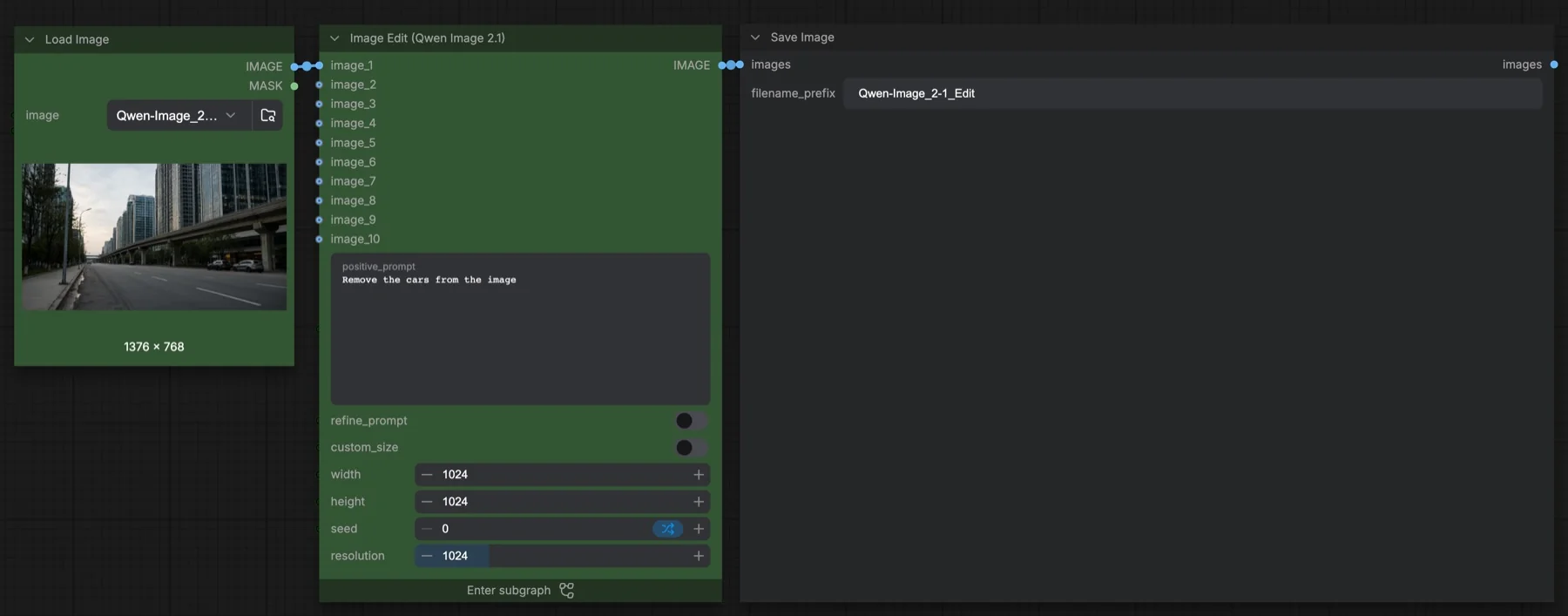
Qwen-Image 2.1 Image Edit in ComfyUI: Files, Settings and Tips
Edit images with the Qwen-Image 2.1 template in ComfyUI: four files and folders, 25 steps at CFG 1, up to 10 inputs, the optional Prompt Enhancer and the licence.
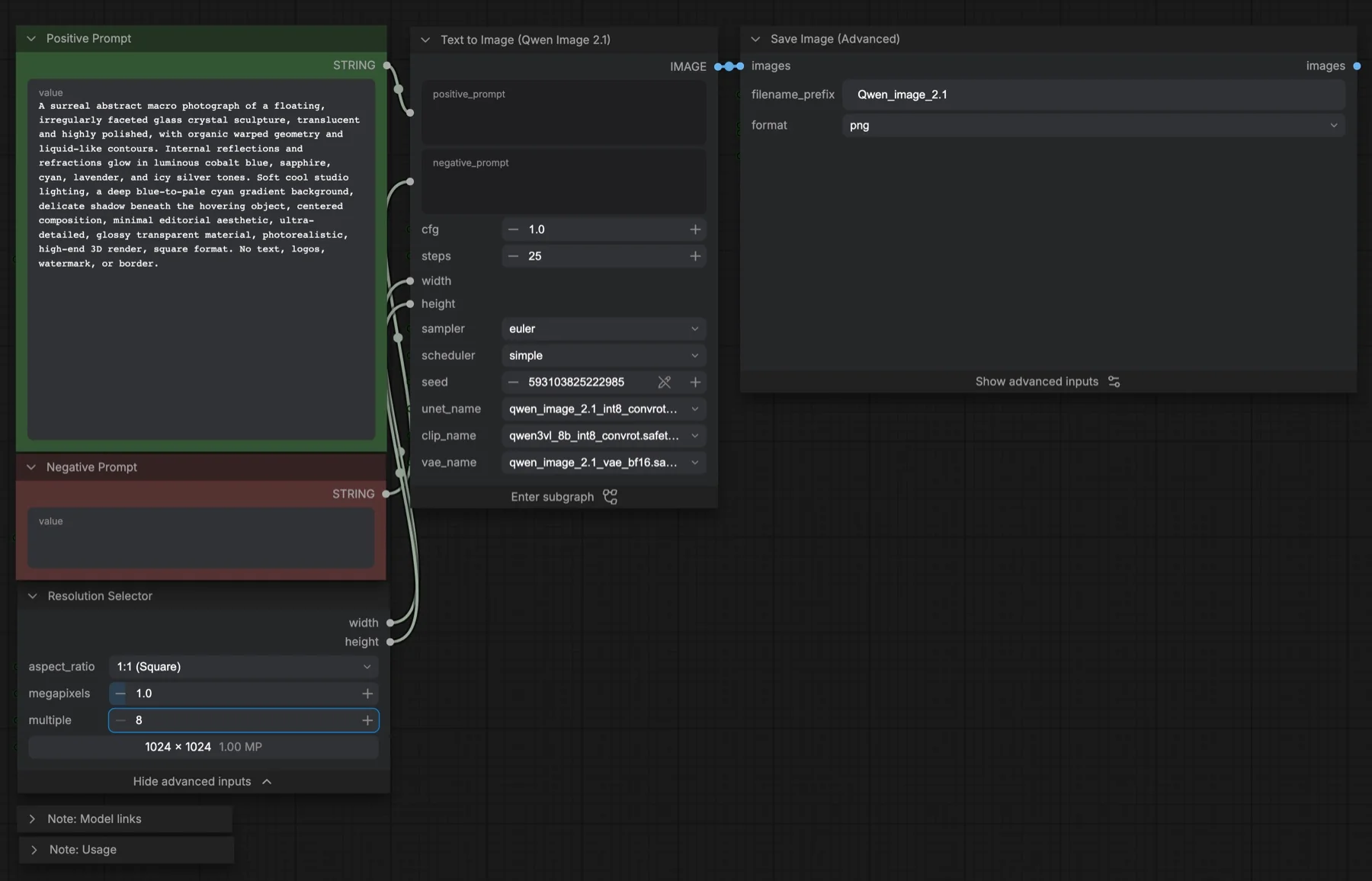
Qwen-Image 2.1 Text to Image in ComfyUI: Files and Settings
Set up the Qwen-Image 2.1 text-to-image template in ComfyUI: the three files and folders, 25 steps at CFG 1, native 2K, transparent PNGs and the licence.
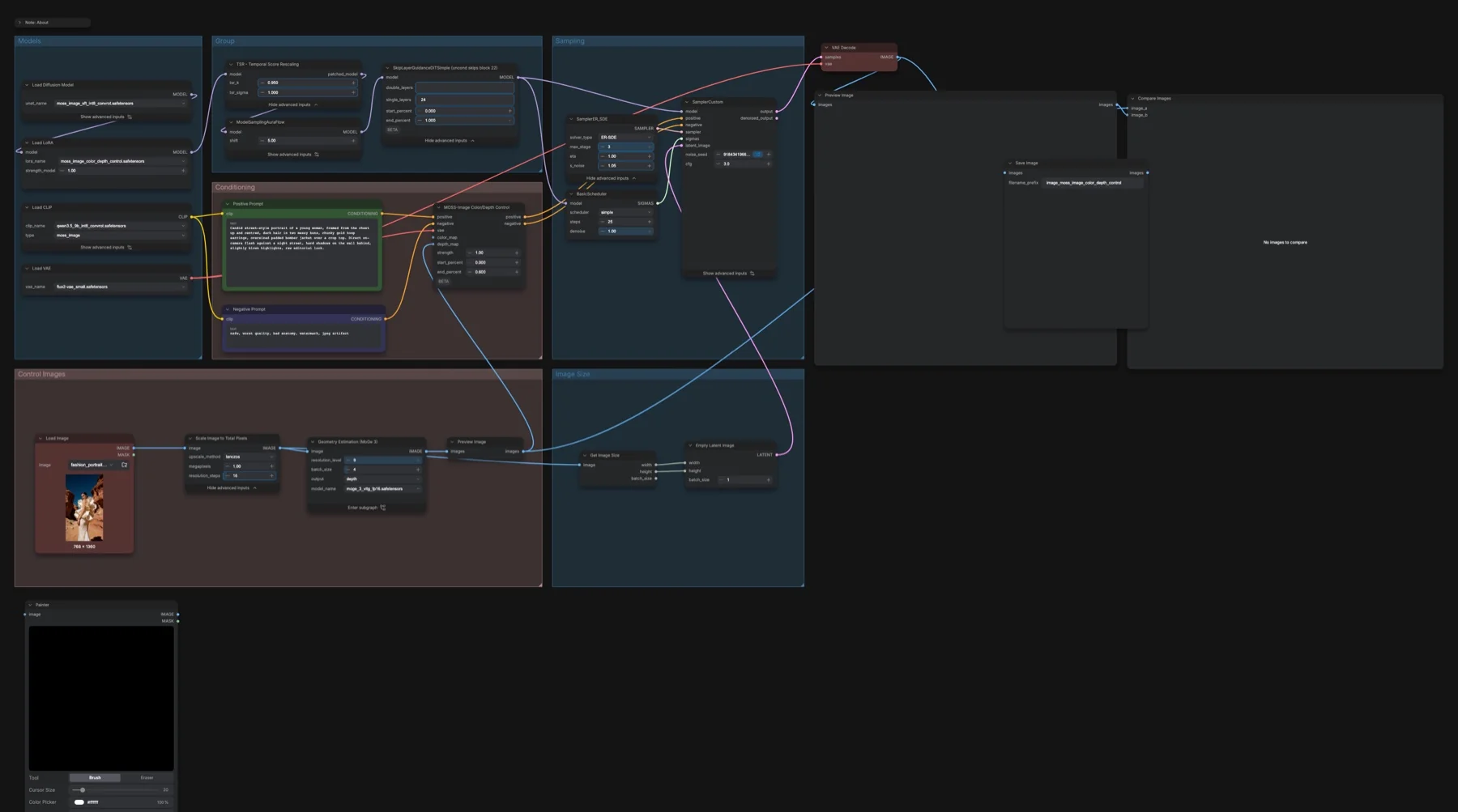
MOSS-Image in ComfyUI: Colour and Depth Control Guide
Use MoGe geometry and the MOSS control adapter to guide an image from a reference photo. See the saved settings, model download locations, workflow screenshots and licence notes.
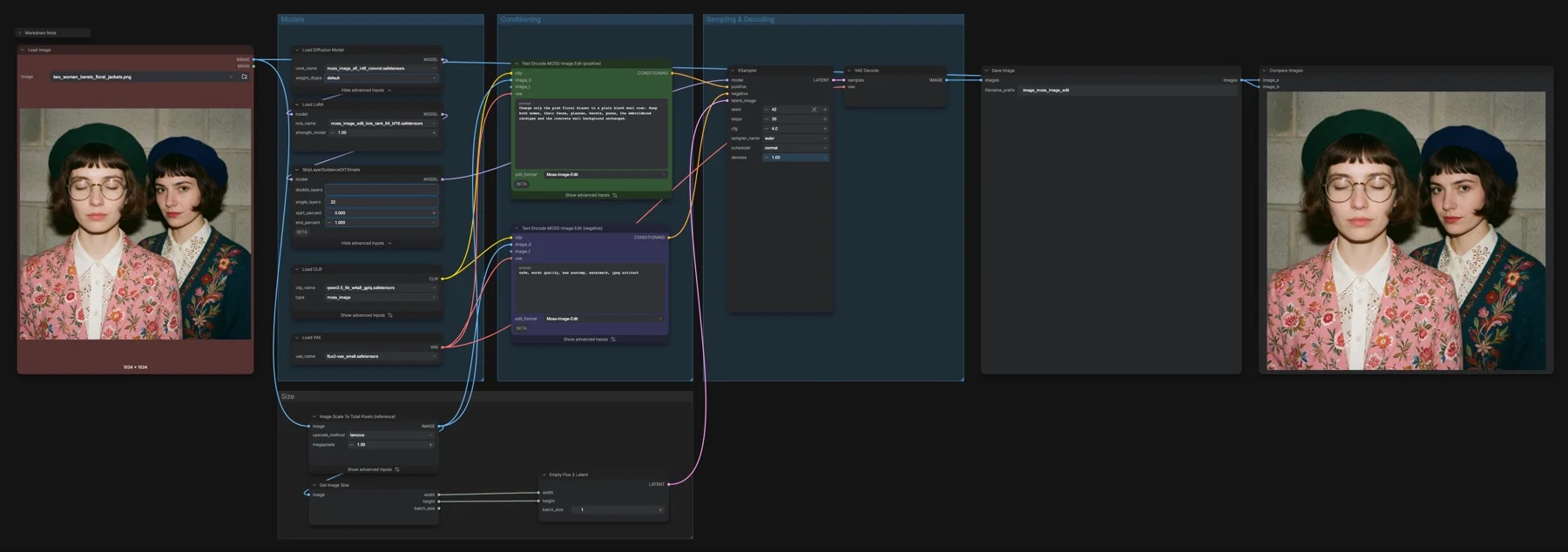
MOSS-Image in ComfyUI: Image Edit LoRA Workflow and Settings
Edit photos with MOSS-Image and its edit LoRA in ComfyUI: four files (13.3 GB), 30 steps at CFG 4, the edit_format setting and the prompt phrasing that works.
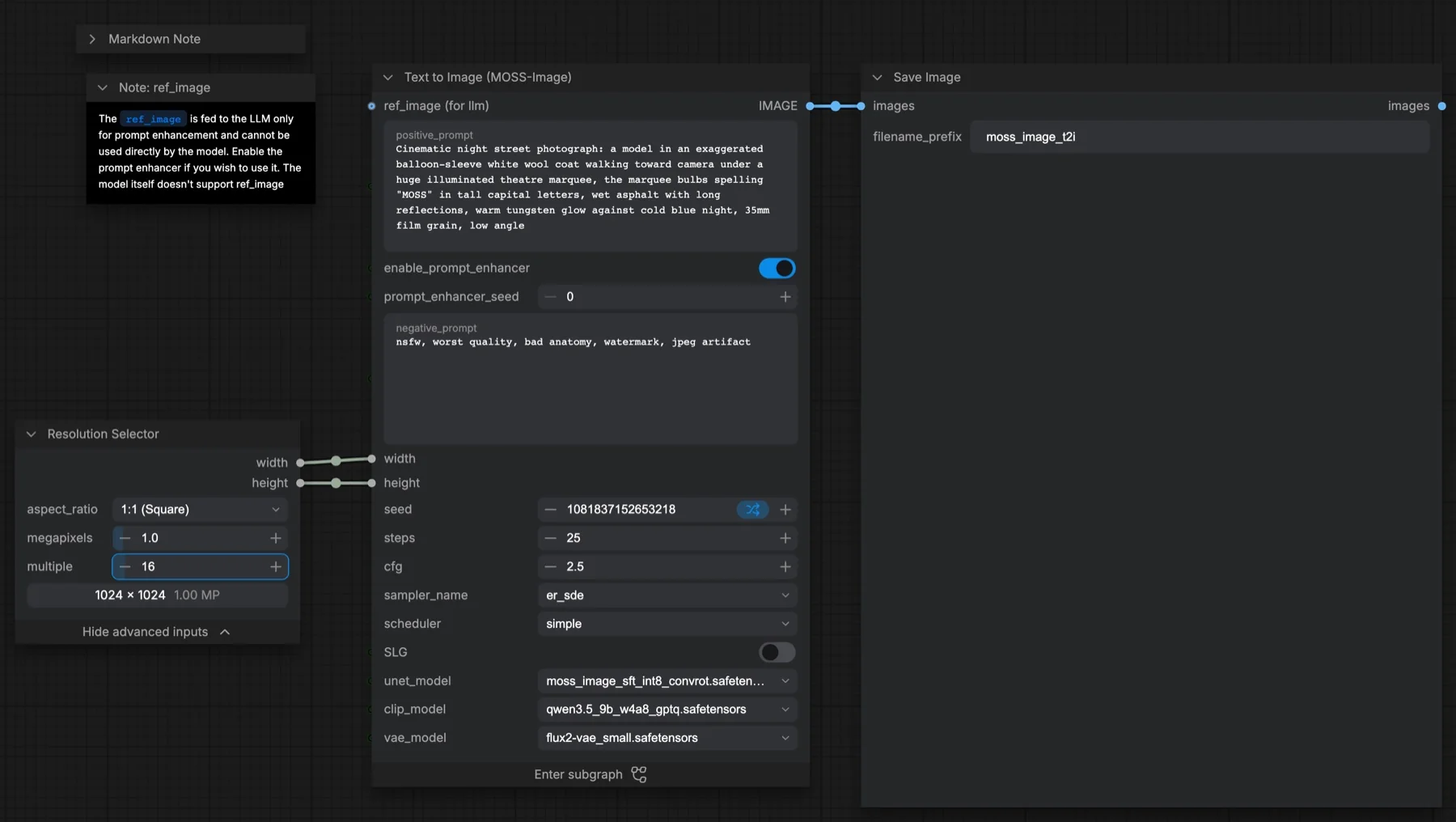
MOSS-Image in ComfyUI: Text to Image Workflow and Settings
Run the MOSS-Image text-to-image template in ComfyUI: three files (13 GB), the 25-step CFG 2.5 settings versus the official 50 and 3, and the prompt enhancer.
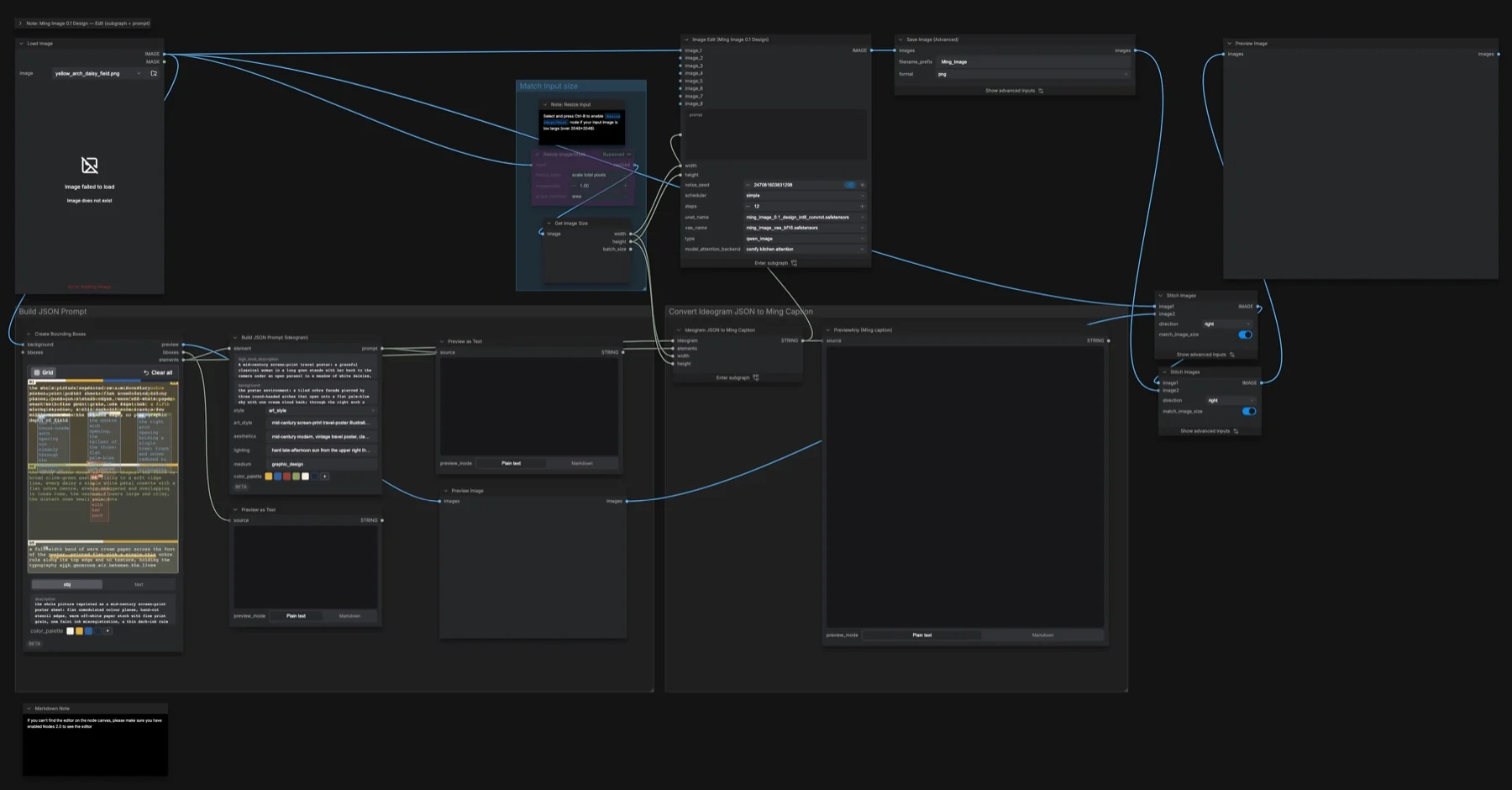
Ming Image 0.1 Design in ComfyUI: Image Edit with Layout Boxes
Edit images with Ming Image 0.1 Design in ComfyUI: draw boxes on a photo, turn them into a Figma-style caption, and re-render it in 12 steps. Files and settings.
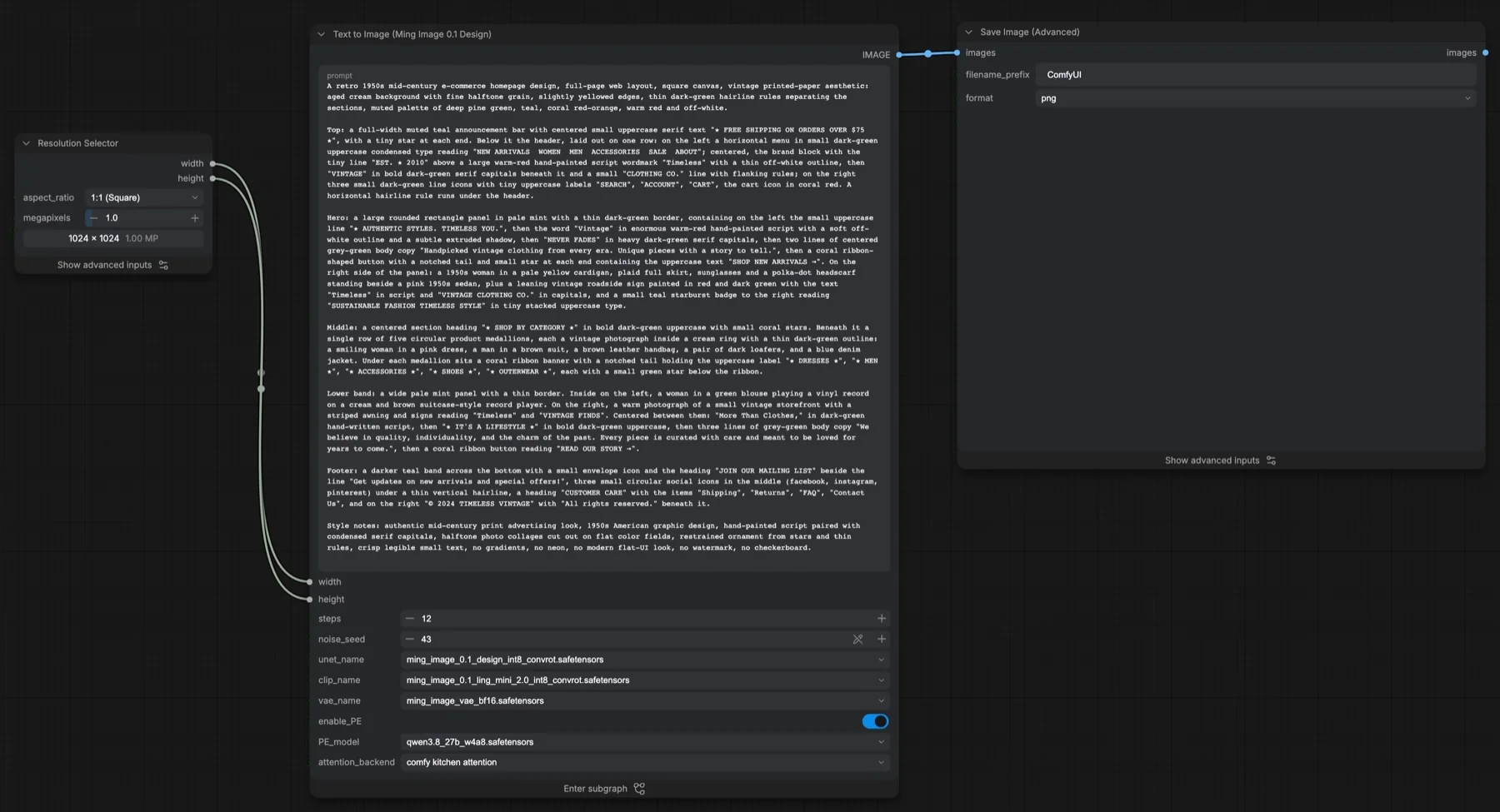
Ming Image 0.1 Design in ComfyUI: Text to Image Workflow Guide
Set up Ming Image 0.1 Design text to image in ComfyUI: the four files and folders, the 12-step settings, the Qwen3.8 prompt enhancer and the MIT licence.
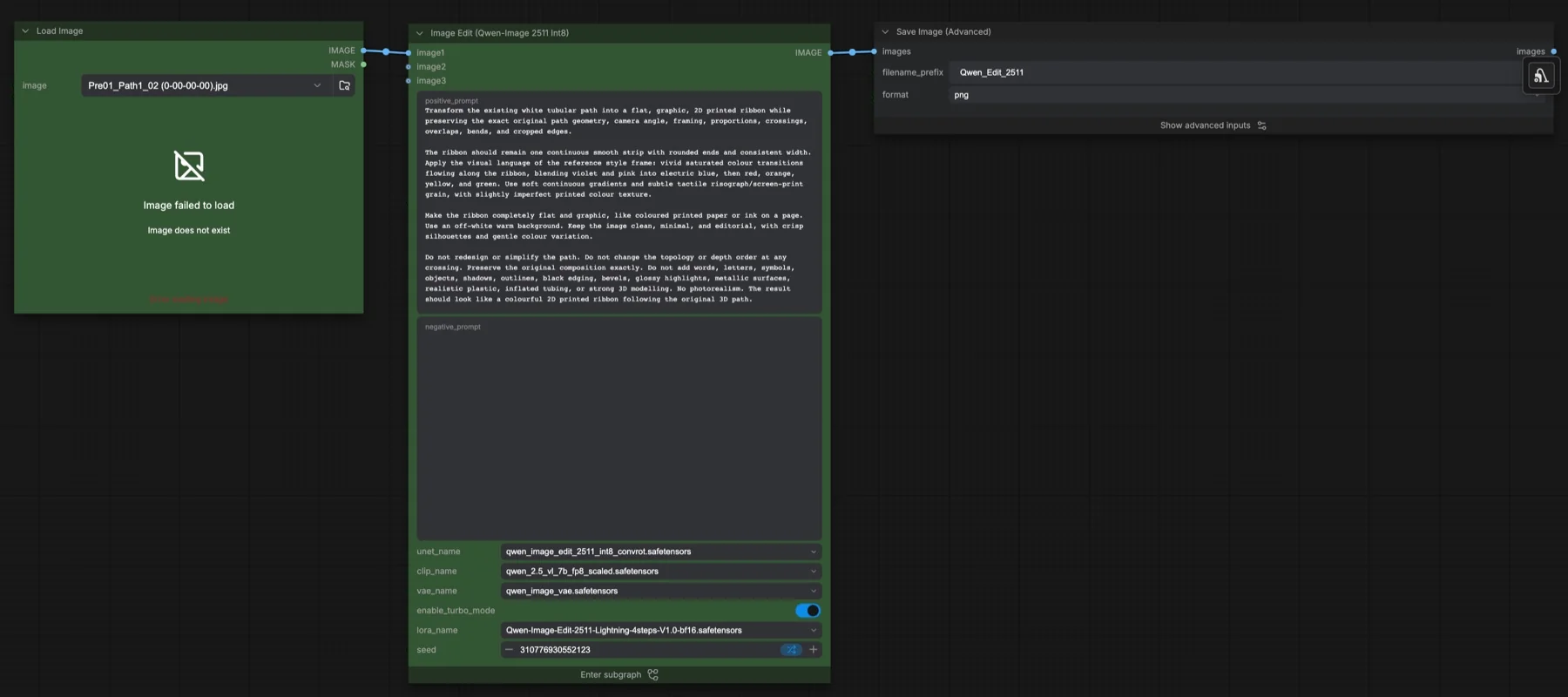
Qwen Image Edit 2511 in ComfyUI: 4-Step Image Edit Setup
Edit images with the Qwen Image Edit 2511 Int8 template in ComfyUI: four files (31 GB), the 4-step Lightning LoRA switch, 40-step settings and licence notes.
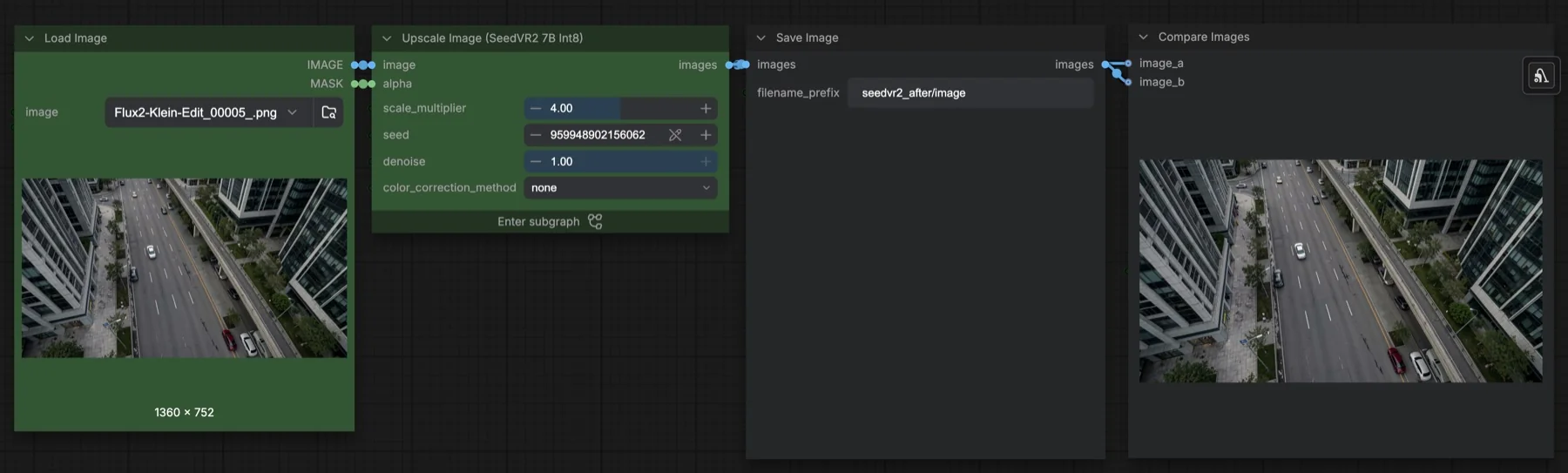
SeedVR2 7B in ComfyUI: One-Step Image Upscale Workflow
Upscale images 4x with the SeedVR2 7B Int8 template in ComfyUI: two Apache-2.0 files (8.8 GB), one sampling step, tiled VAE settings and colour correction.
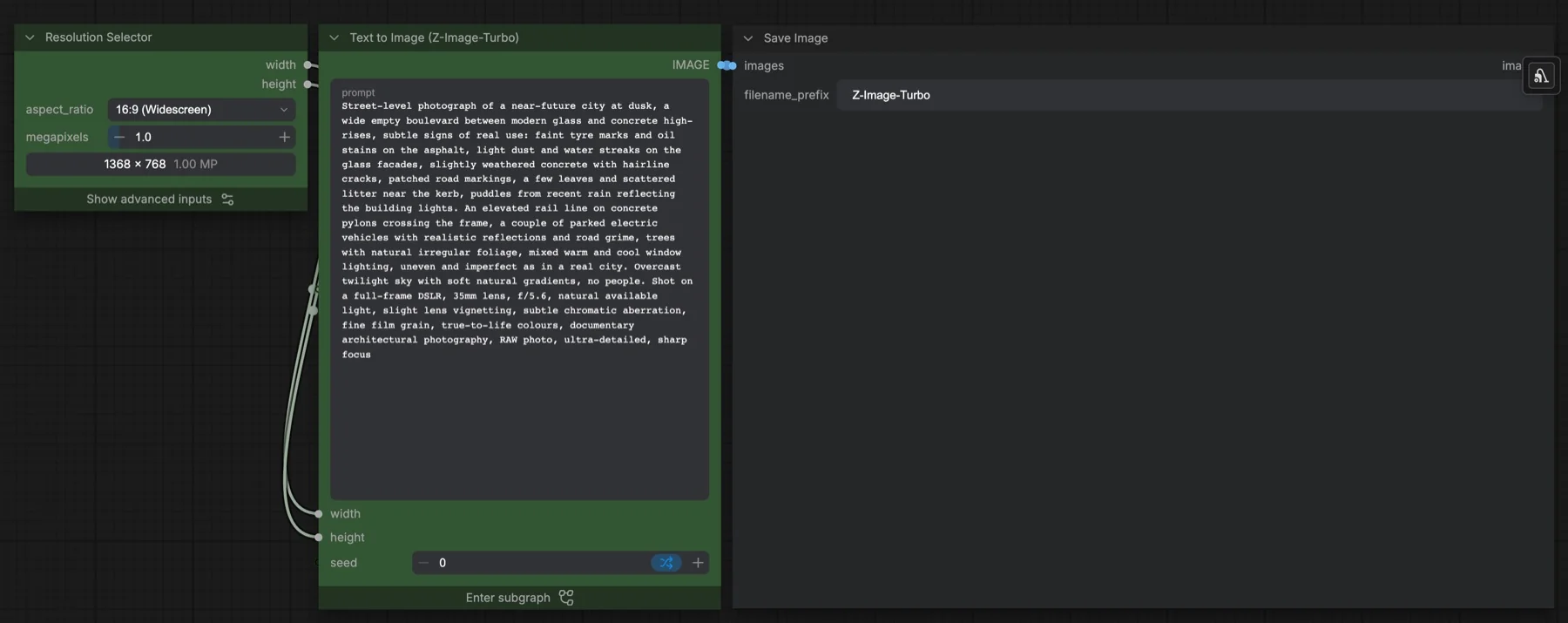
Z-Image-Turbo in ComfyUI: 8-Step Text to Image Setup
Set up the Z-Image-Turbo text-to-image template in ComfyUI: three Apache-2.0 files (20.7 GB), 8 steps at CFG 1, shift 3, res_multistep, and troubleshooting.
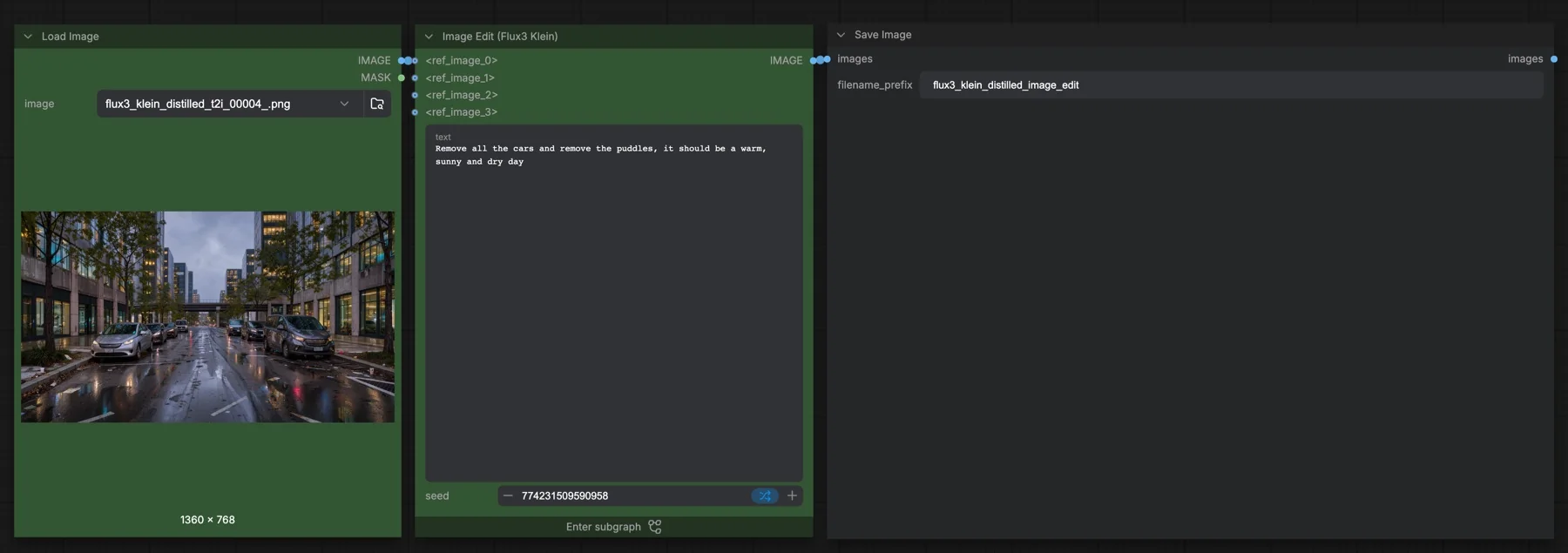
FLUX 3 Klein Image Edit in ComfyUI: Files, Settings, Licence
Edit images with the FLUX 3 Image Klein Distilled template in ComfyUI: the three files, 16 steps at CFG 1, how reference images work and the licence terms.
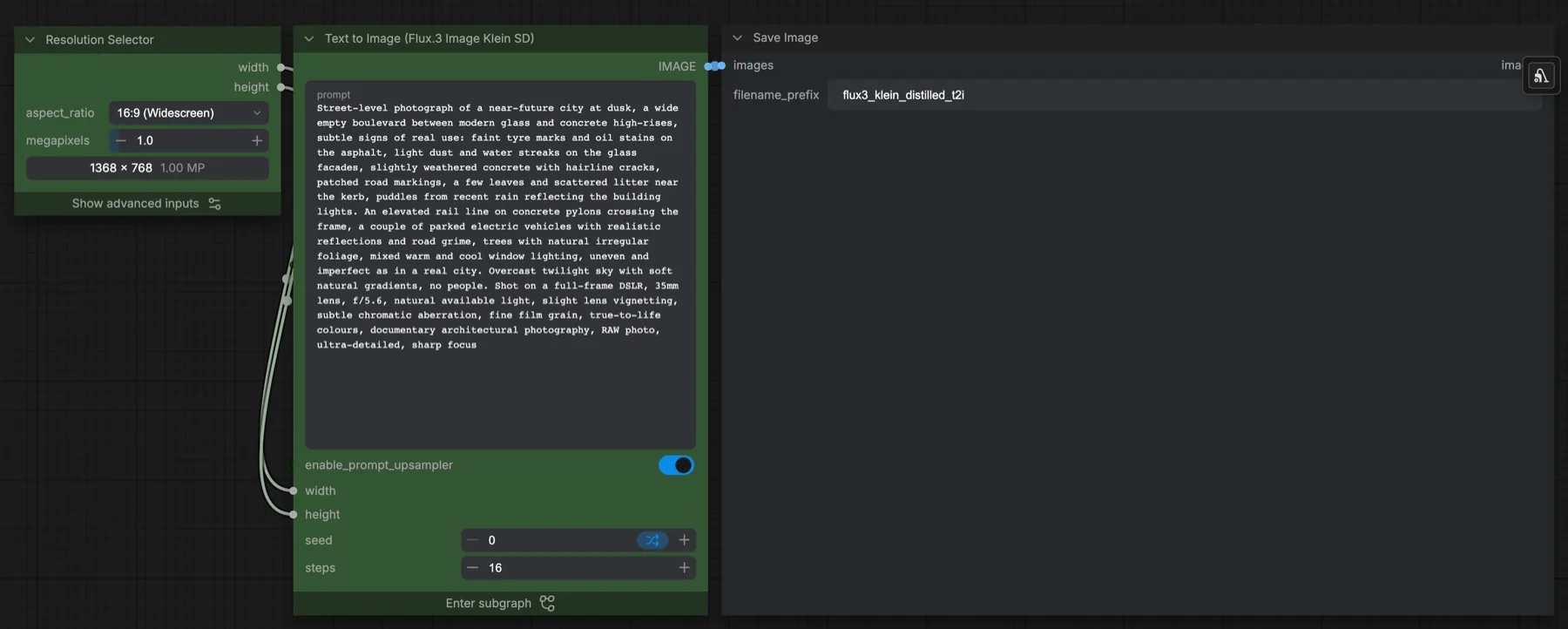
FLUX 3 Klein in ComfyUI: Text to Image Setup and Settings
Set up the FLUX 3 Image Klein Distilled text-to-image template in ComfyUI: files and folders, CFG 1 settings, the built-in prompt upsampler and the licence.

Free AI Downloads: ComfyUI Cheat Sheets, Layout Planners and Trackers
Free downloads from Synthetic Labs: ComfyUI cheat sheets, a MOSS-Image layout planner and an open model licence tracker. No sign-up needed.
Open Image and Video Model Licences: Which Can You Use Commercially?
Licence tracker for open AI image and video models: Qwen-Image 2.1, MOSS-Image, FLUX 3 Image Klein, LTX-2.5 and Wan 2.2. Free CSV download, updated November 2026.
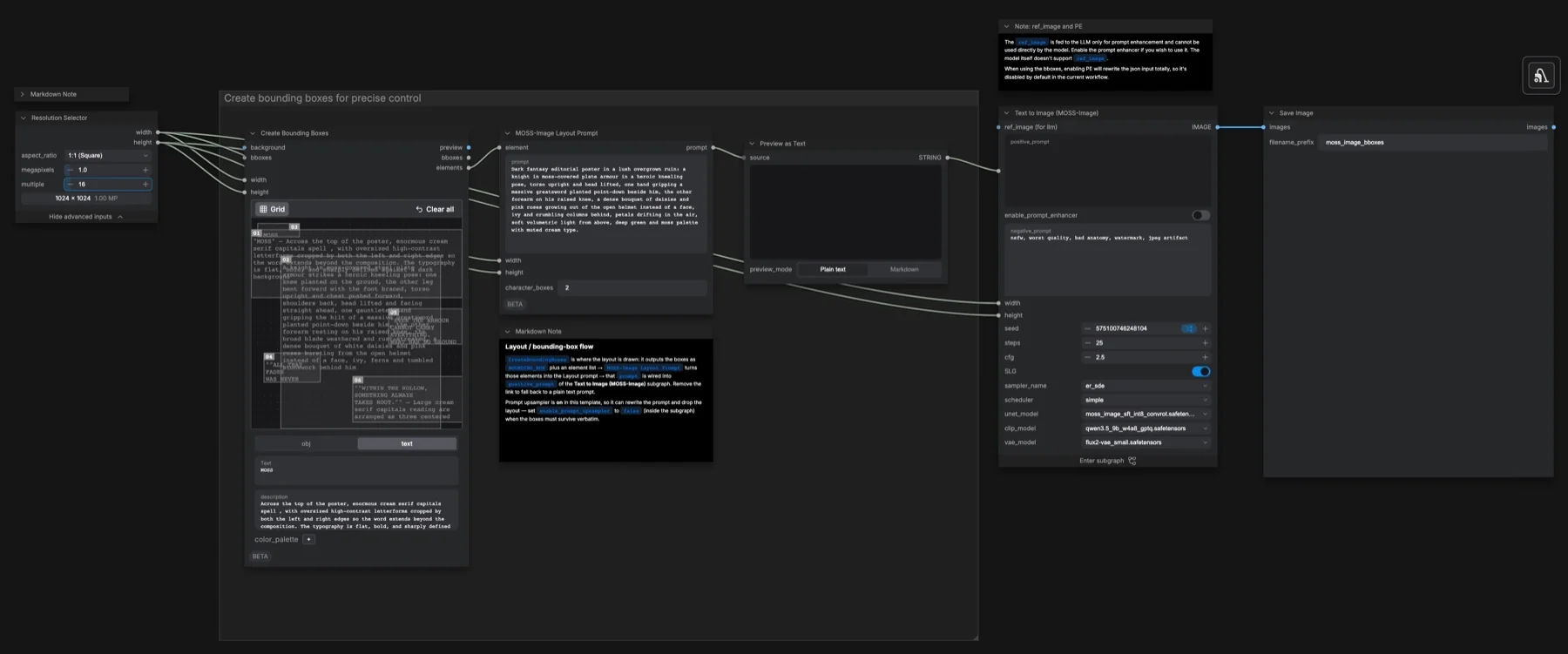
MOSS-Image in ComfyUI: Layout Boxes, Text Placement and Settings
Run MOSS-Image, the Apache-2.0 5B image model, in ComfyUI. Place text and objects with layout boxes, use the right settings, and get our free layout planner.
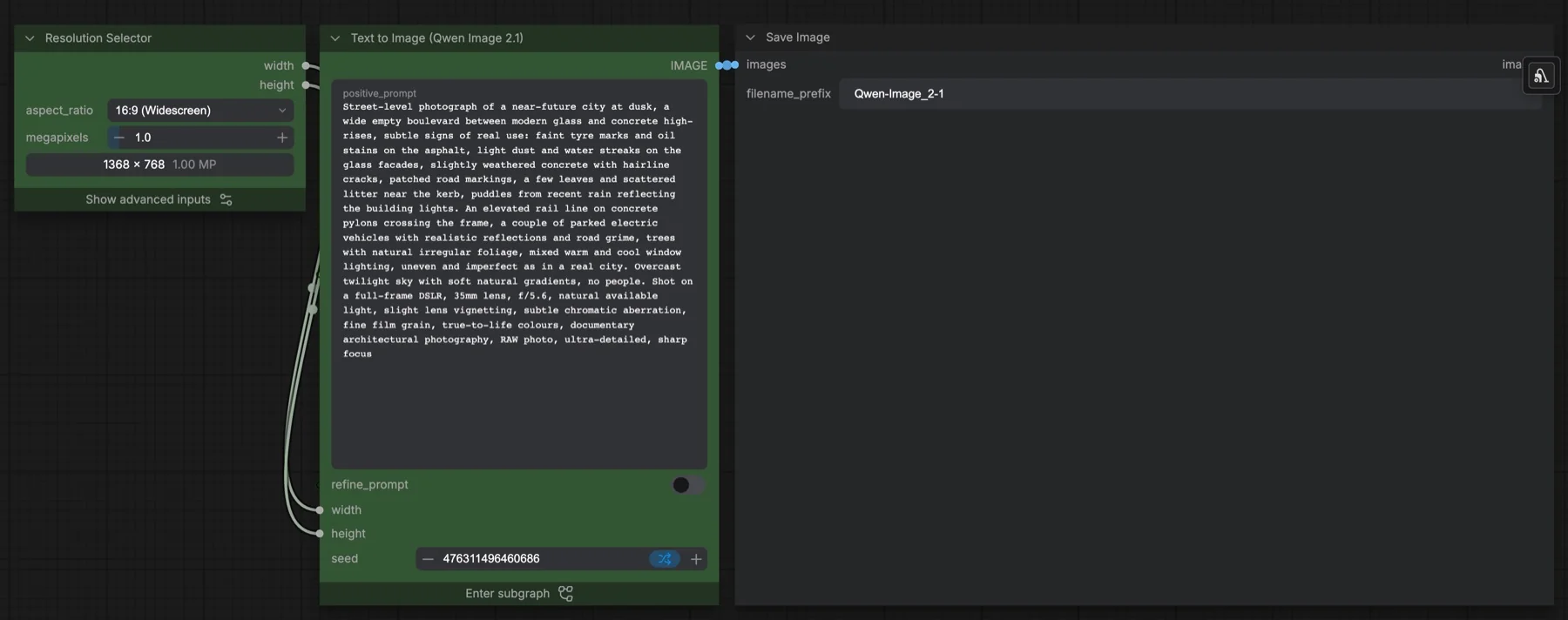
Qwen-Image 2.1 Turbo in ComfyUI: 8-Step Setup, Settings and Licence
Set up Qwen-Image 2.1 Turbo in ComfyUI: which files go where, the 8-step CFG 1 settings, transparent PNG output, and the research licence. Free cheat sheet.

Deploy n8n with Docker on Windows for Private AI Automation
Learn to deploy n8n with Docker on Windows for secure private AI automation. Get insights on setup, benefits, and how to build custom, on-premise AI workflows.

WAN 2.2 AI Video Model with ComfyUI and GPU Power
Explore the WAN 2.2 video model by Alibaba and WaveSpeedAI. Discover its MoE architecture, GPU efficiency, ComfyUI integration, and private AI infrastructure support.

Advancing Long-Form AI Video with LTX Video 0.9.8
Discover LTX Video 0.9.8, a milestone in long-form AI video generation. Explore features, ComfyUI setup, and real-world performance for creators.

AI SEO Strategies for Ranking in Generative AI Overviews
Explore AI SEO strategies to rank in AI Overviews. Learn how generative SEO and structured data help your content appear in LLM summaries and zero-click answers.

How to prompt Flux Kontext Dev
Learn how to prompt Flux Kontext for powerful AI image editing. This guide answers common questions and shares expert tips to get the best results from your image-to-edit prompts.

Flux Kontext Dev
Flux Kontext Dev delivers open‑source, local AI image editing with ComfyUI support, user‑friendly prompt control, and side‑by‑side comparison vs. Flux Dev & OmniGen2.

Wan2.1 vs Sora, Runway, Kling, Pika: The Open-Source Video AI Contender
Discover how Wan2.1, the latest open-source AI video generation model, stacks up against Sora, Runway, Pika, and Kling. Explore its strengths in realism, motion smoothness, and accessibility, plus learn how to test it using ComfyUI workflows. 🚀 #AI #VideoGeneration

Download our controller workflow for ComfyUI
Introduction: Embark on a journey of creative exploration with ComfyUI, your companion in the realm of image manipulation. This resource is dedicated to equipping you with the knowledge to harness the…
Get in touch
How can AI enhance your pipeline?
Email us

