Build a MiniMax H3 talking avatar in ComfyUI from one photo and a short voice clip: the files, three custom node packs, the 24-step settings and consent rules.
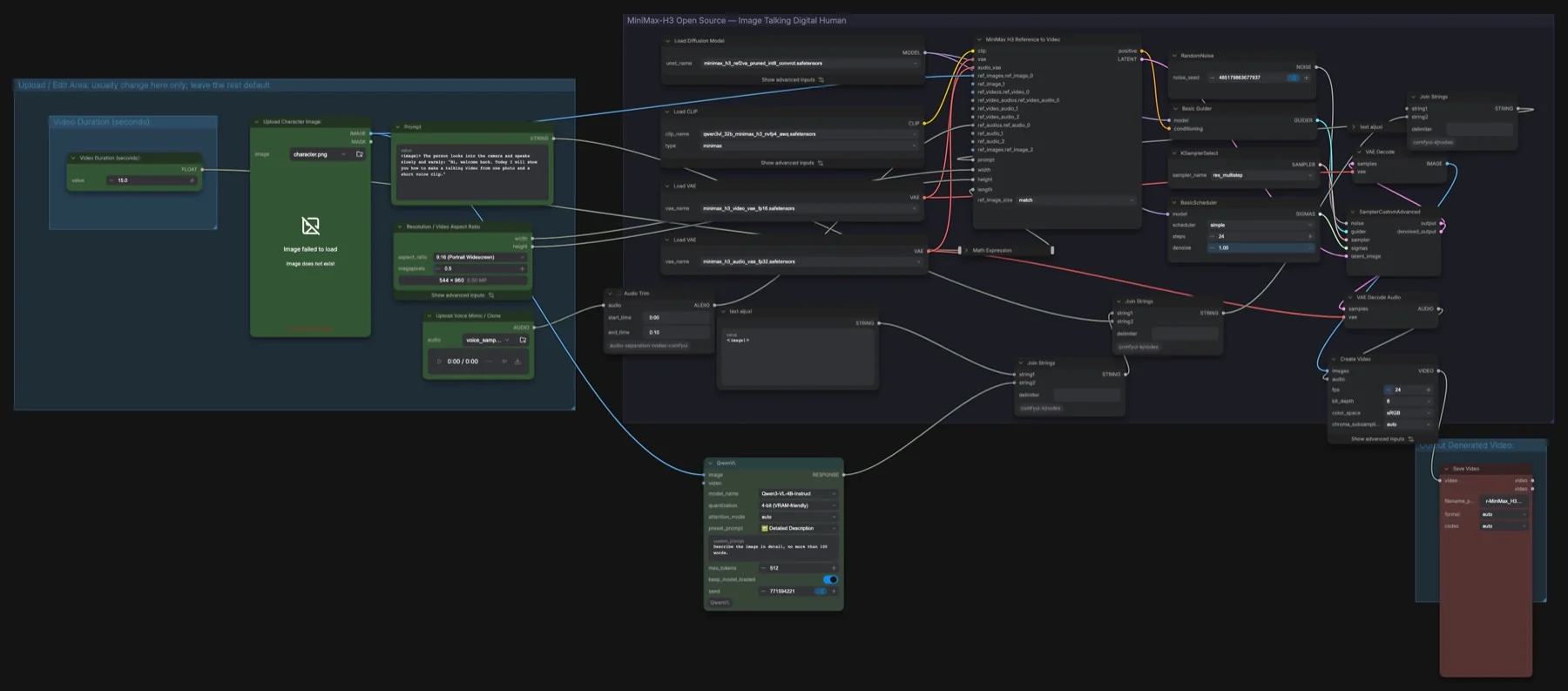

Build a MiniMax H3 talking avatar in ComfyUI from one photo and a short voice clip: the files, three custom node packs, the 24-step settings and consent rules.
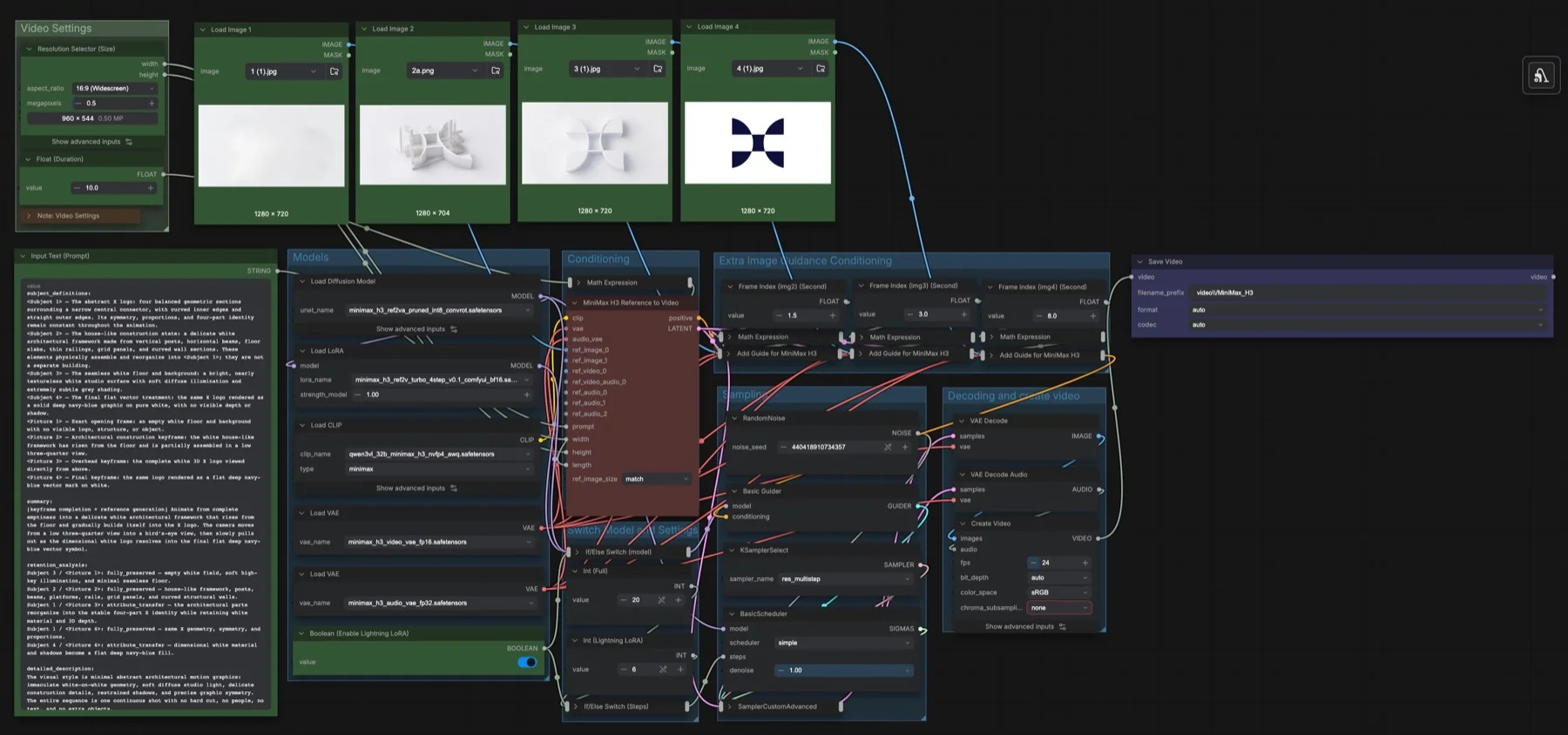
Build our MiniMax H3 multi-keyframe workflow in ComfyUI: pin four images at set seconds with Add Guide nodes, toggle the Lightning LoRA, and get the files.
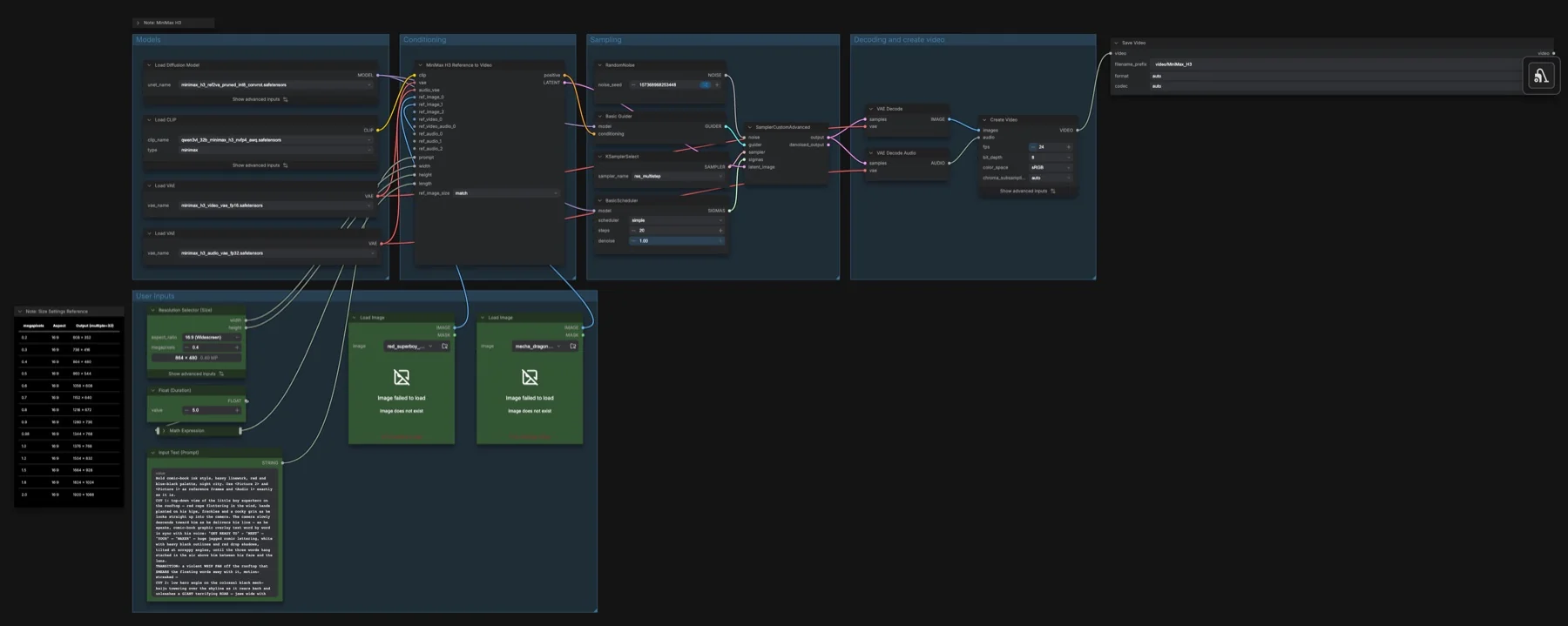
Use the MiniMax H3 Reference to Video template in ComfyUI: up to 9 images, 3 videos and 3 audio clips, prompt tags, the ref2va model files and the settings.
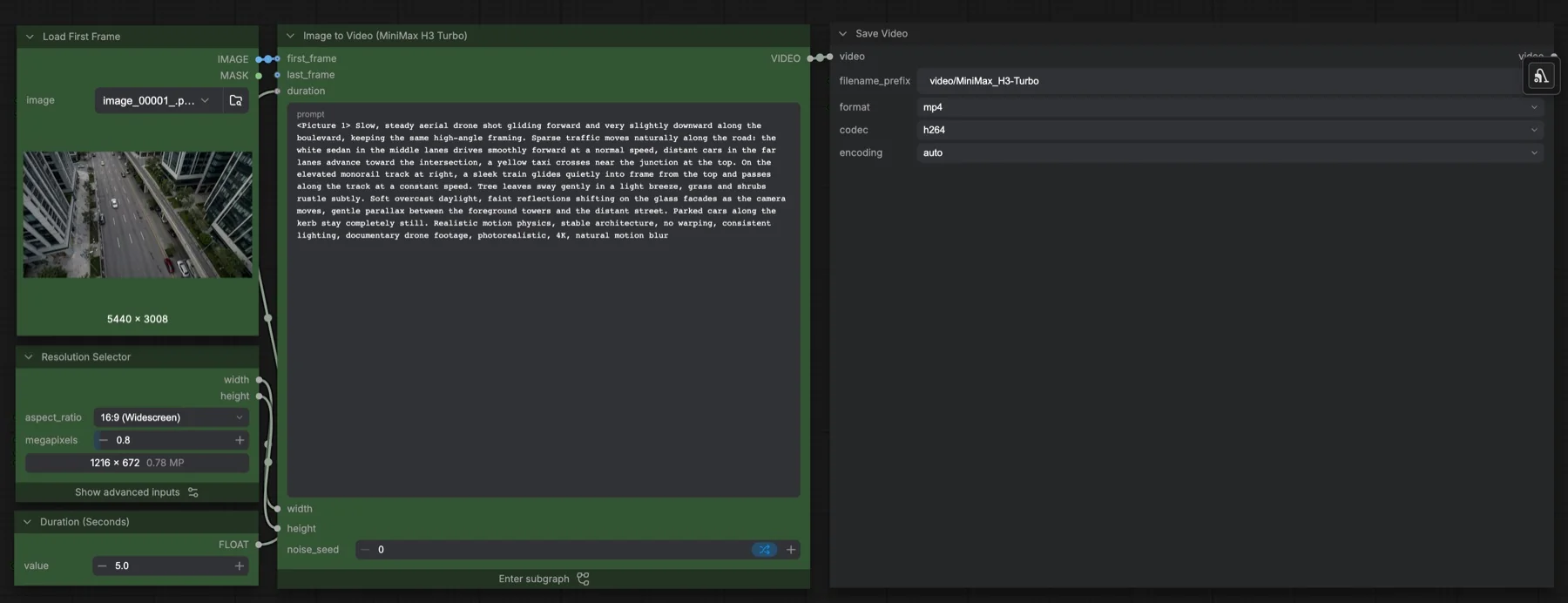
Build our MiniMax H3 Turbo image-to-video workflow in ComfyUI: the 4-step Turbo LoRA at 0.5, a 6-step beta schedule, live previews and the files you need.
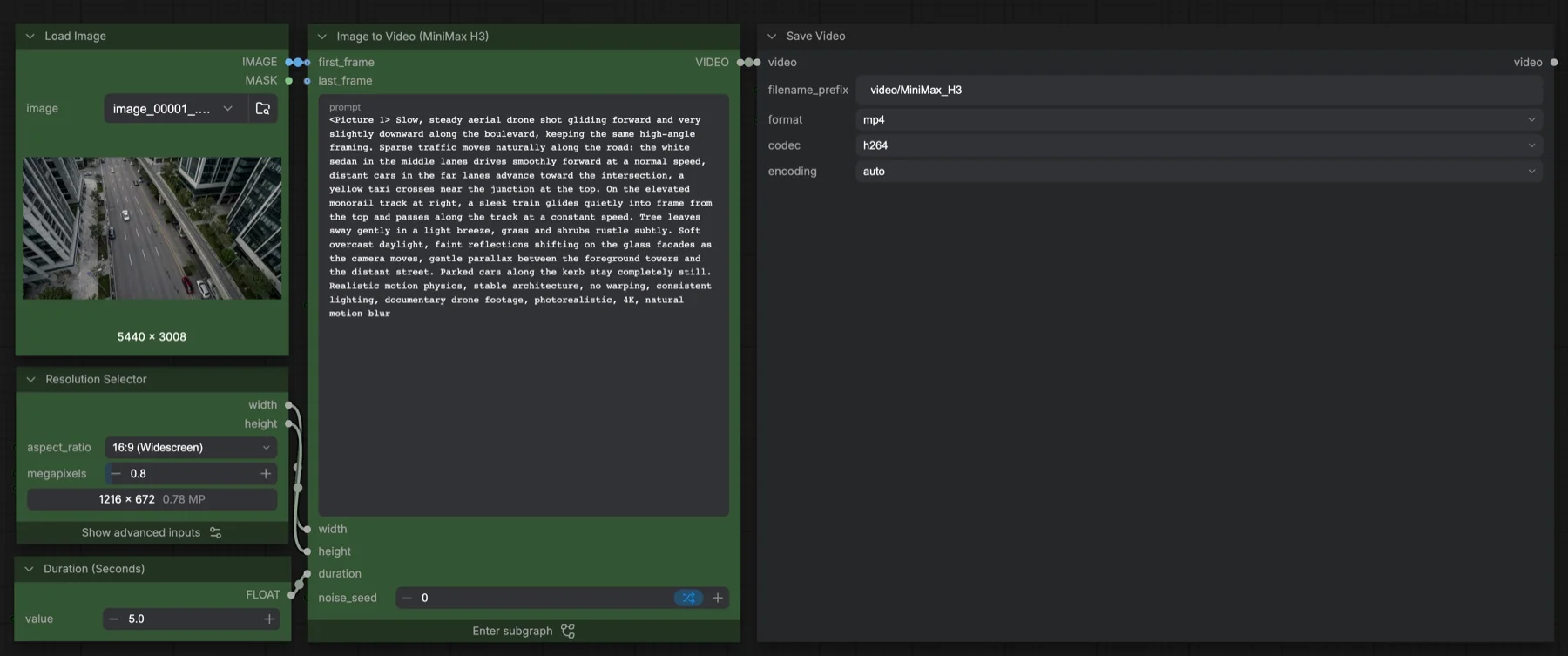
Run the MiniMax H3 Image to Video template in ComfyUI: the four files and where they go, the 20-step res_multistep settings, duration control and the licence.
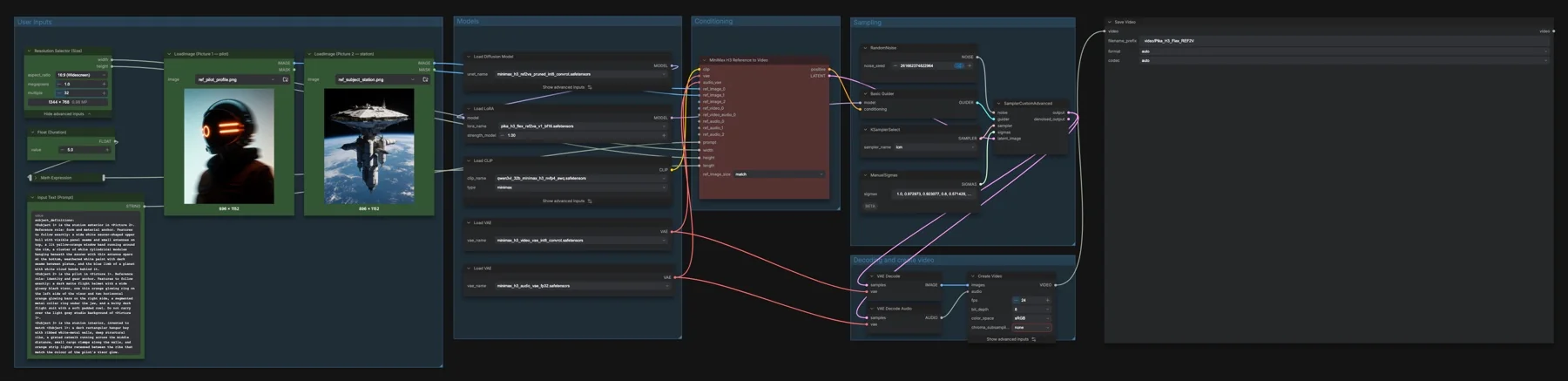
Animate reference images with the MiniMax H3 reference checkpoint and Pika adapter. See the saved settings, model download locations, workflow screenshots and licence notes.