Turn one image into an SPZ Gaussian splat, a GLB mesh and a turntable video with this Idol ComfyUI workflow. Download the JSON and follow the model setup.
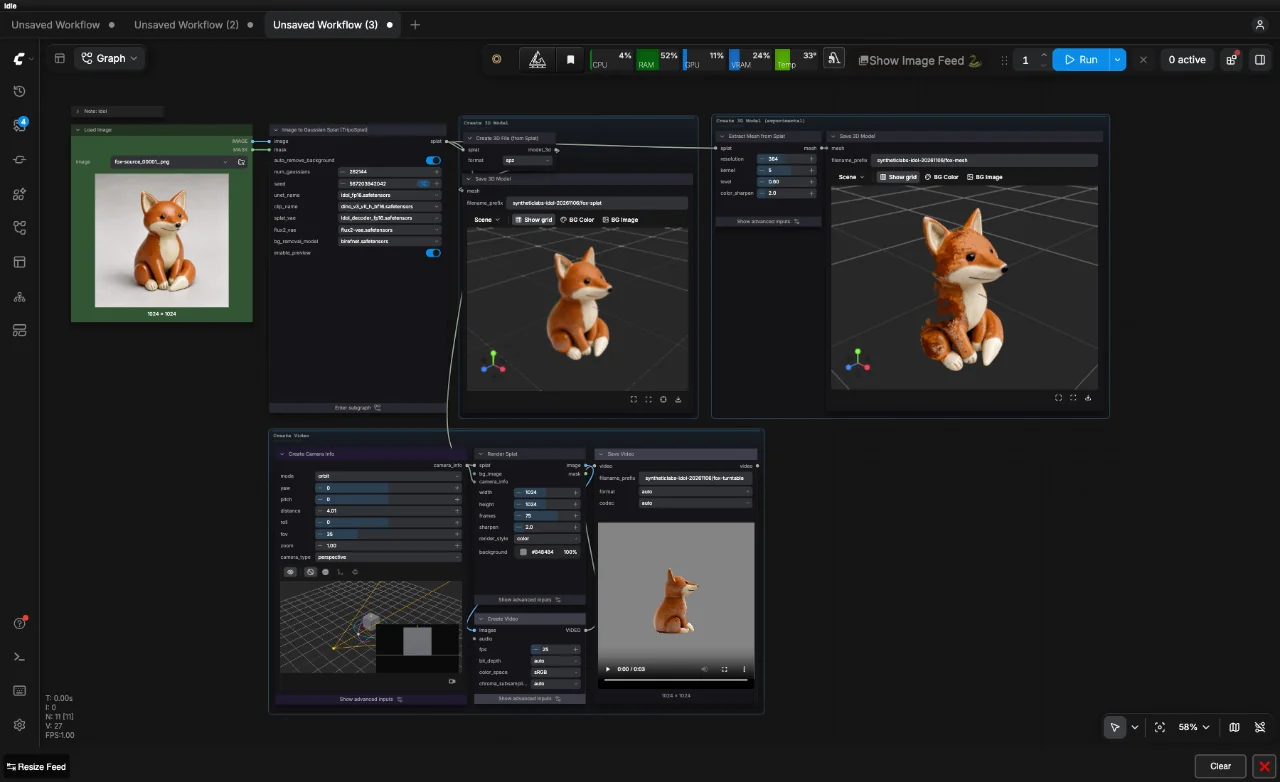

Turn one image into an SPZ Gaussian splat, a GLB mesh and a turntable video with this Idol ComfyUI workflow. Download the JSON and follow the model setup.
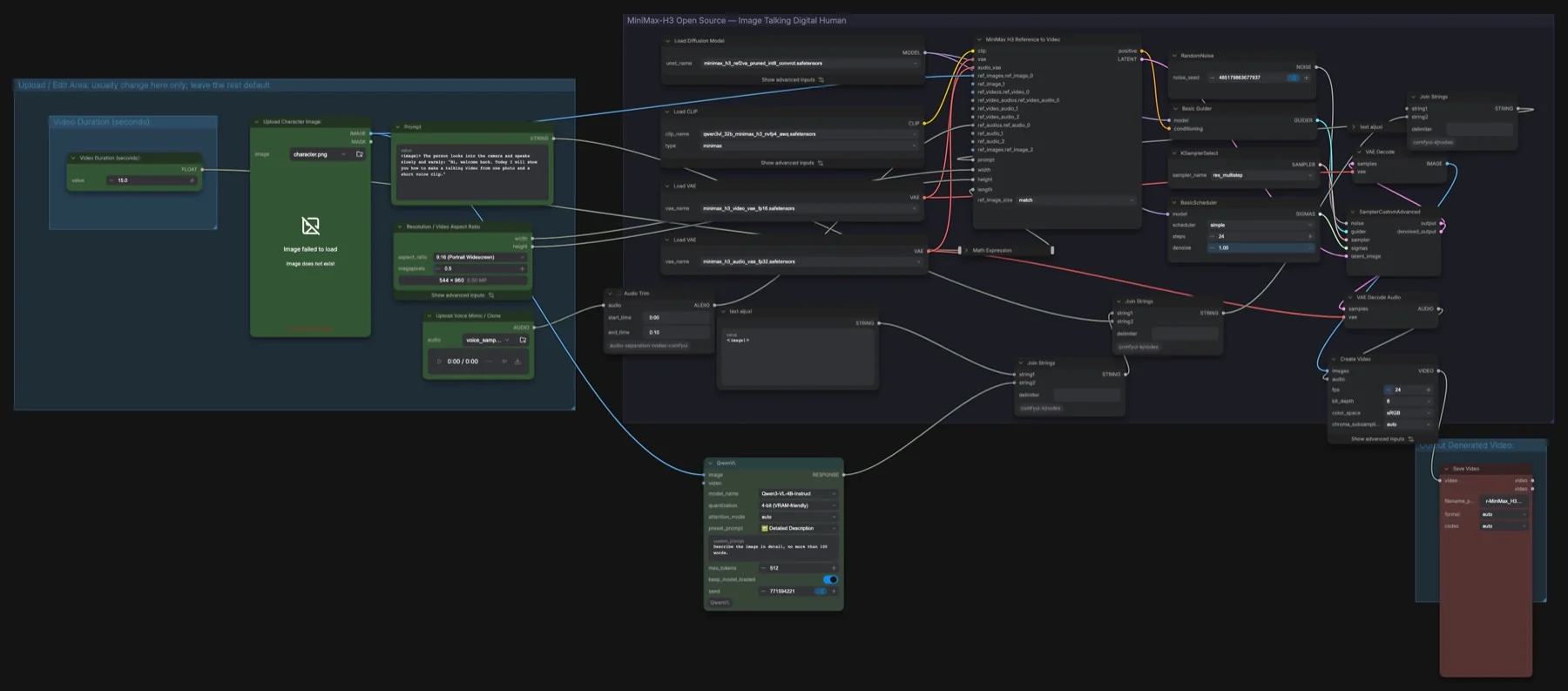
Build a MiniMax H3 talking avatar in ComfyUI from one photo and a short voice clip: the files, three custom node packs, the 24-step settings and consent rules.
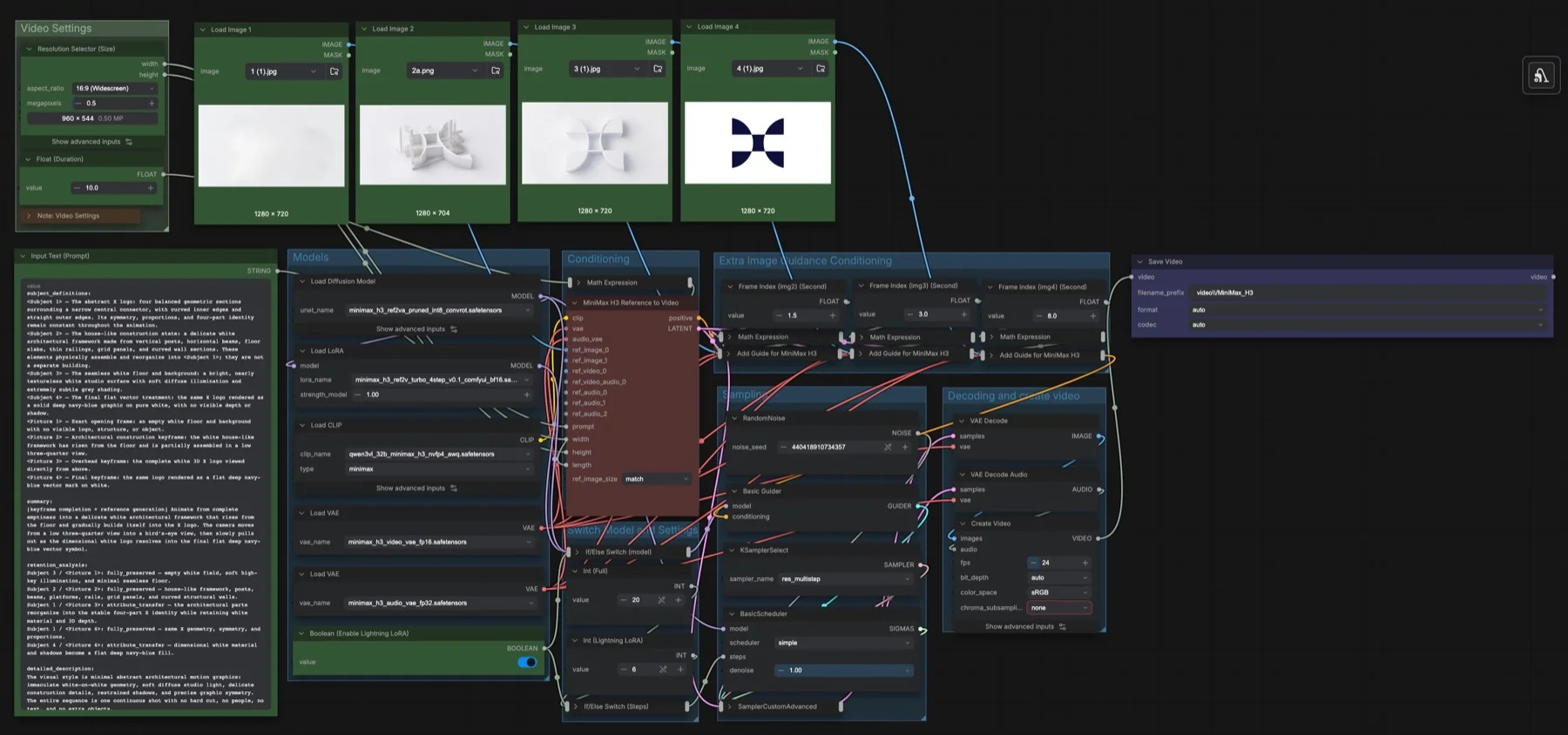
Build our MiniMax H3 multi-keyframe workflow in ComfyUI: pin four images at set seconds with Add Guide nodes, toggle the Lightning LoRA, and get the files.
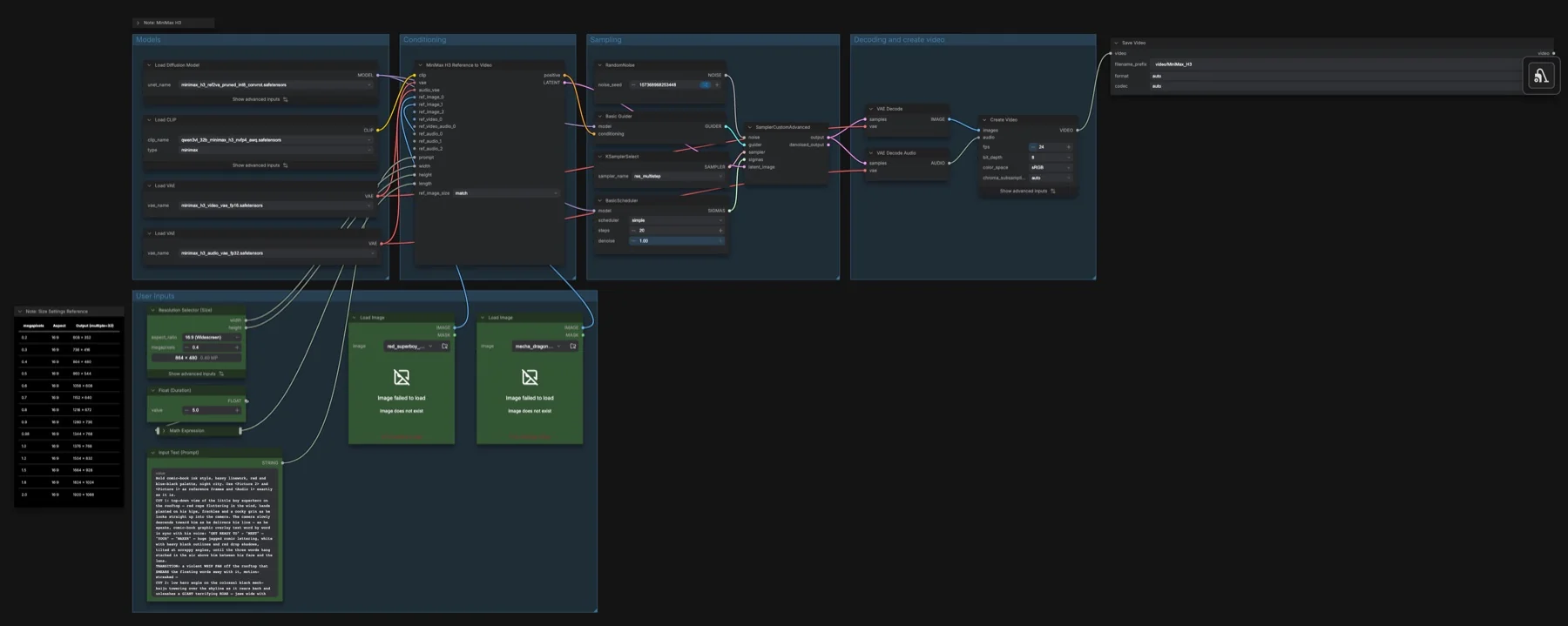
Use the MiniMax H3 Reference to Video template in ComfyUI: up to 9 images, 3 videos and 3 audio clips, prompt tags, the ref2va model files and the settings.
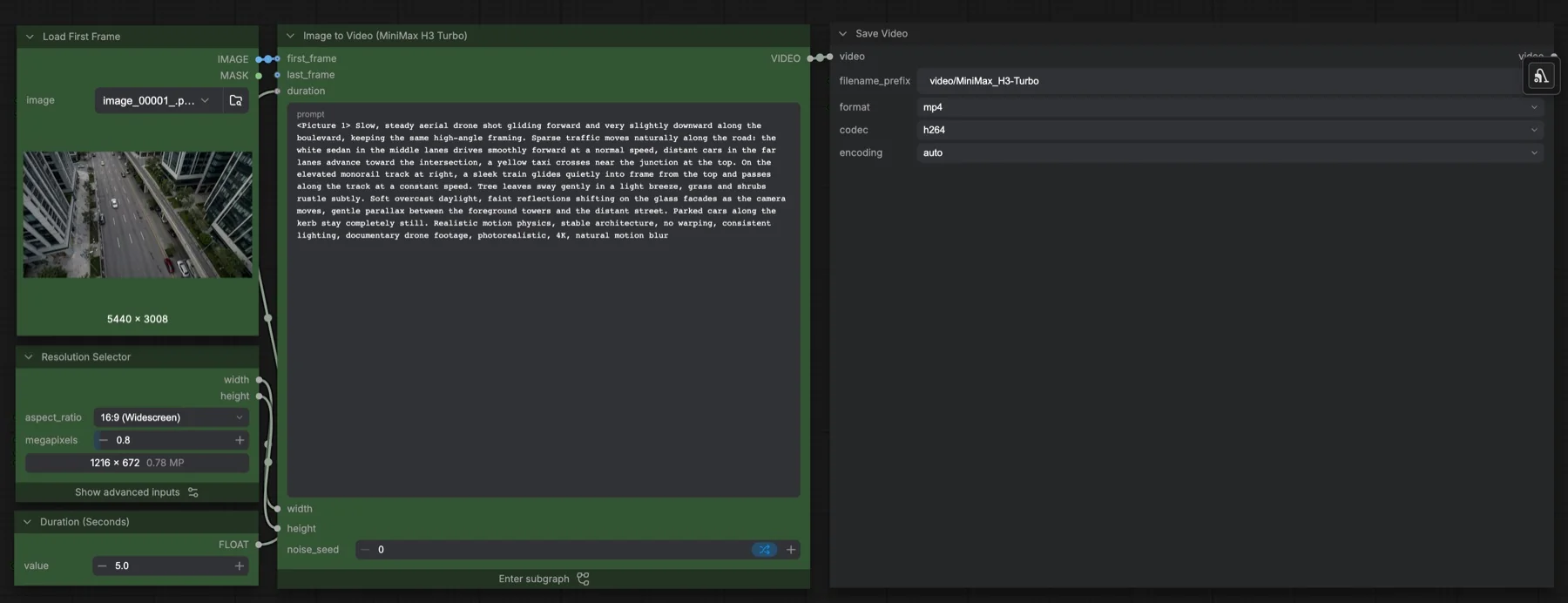
Build our MiniMax H3 Turbo image-to-video workflow in ComfyUI: the 4-step Turbo LoRA at 0.5, a 6-step beta schedule, live previews and the files you need.
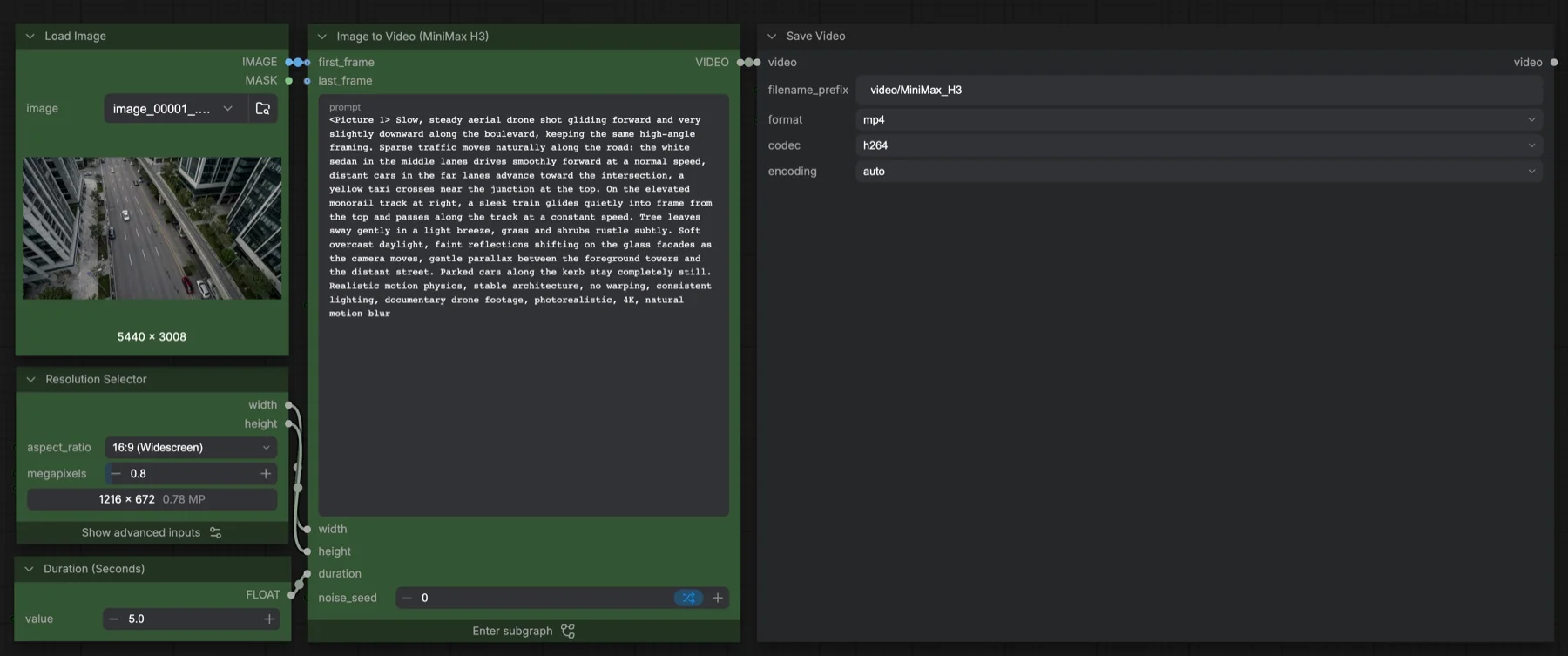
Run the MiniMax H3 Image to Video template in ComfyUI: the four files and where they go, the 20-step res_multistep settings, duration control and the licence.