Edit photos with MOSS-Image and its edit LoRA in ComfyUI: four files (13.3 GB), 30 steps at CFG 4, the edit_format setting and the prompt phrasing that works.
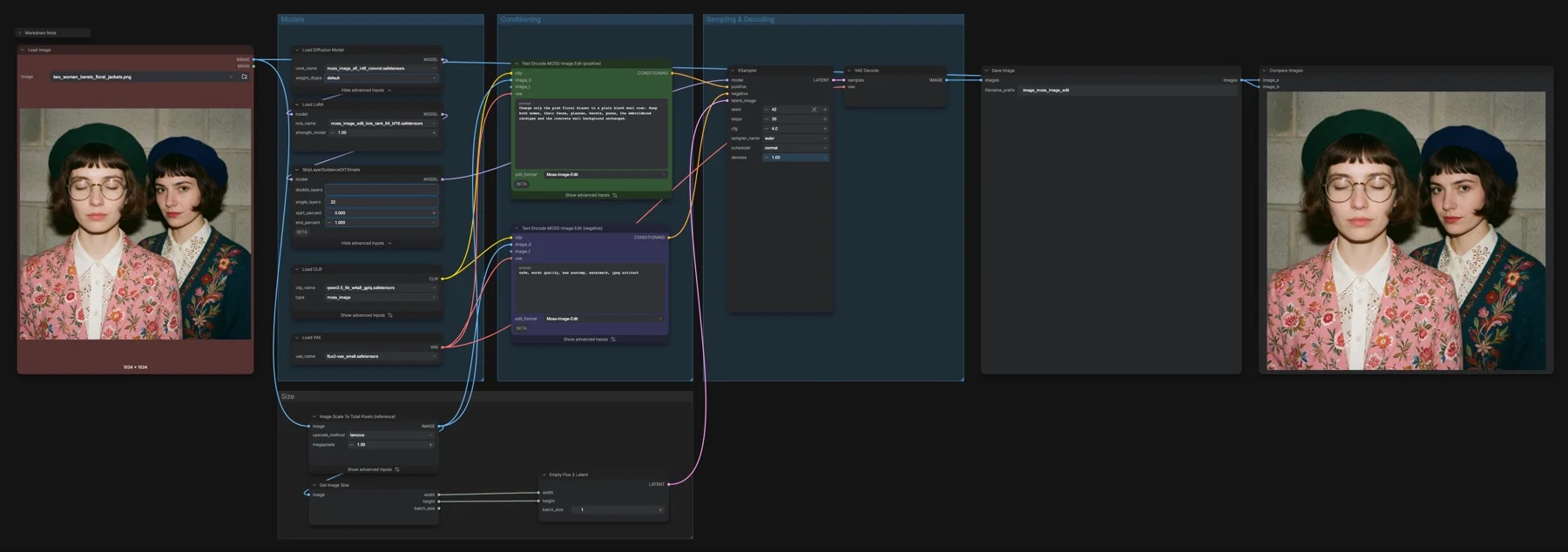

Edit photos with MOSS-Image and its edit LoRA in ComfyUI: four files (13.3 GB), 30 steps at CFG 4, the edit_format setting and the prompt phrasing that works.
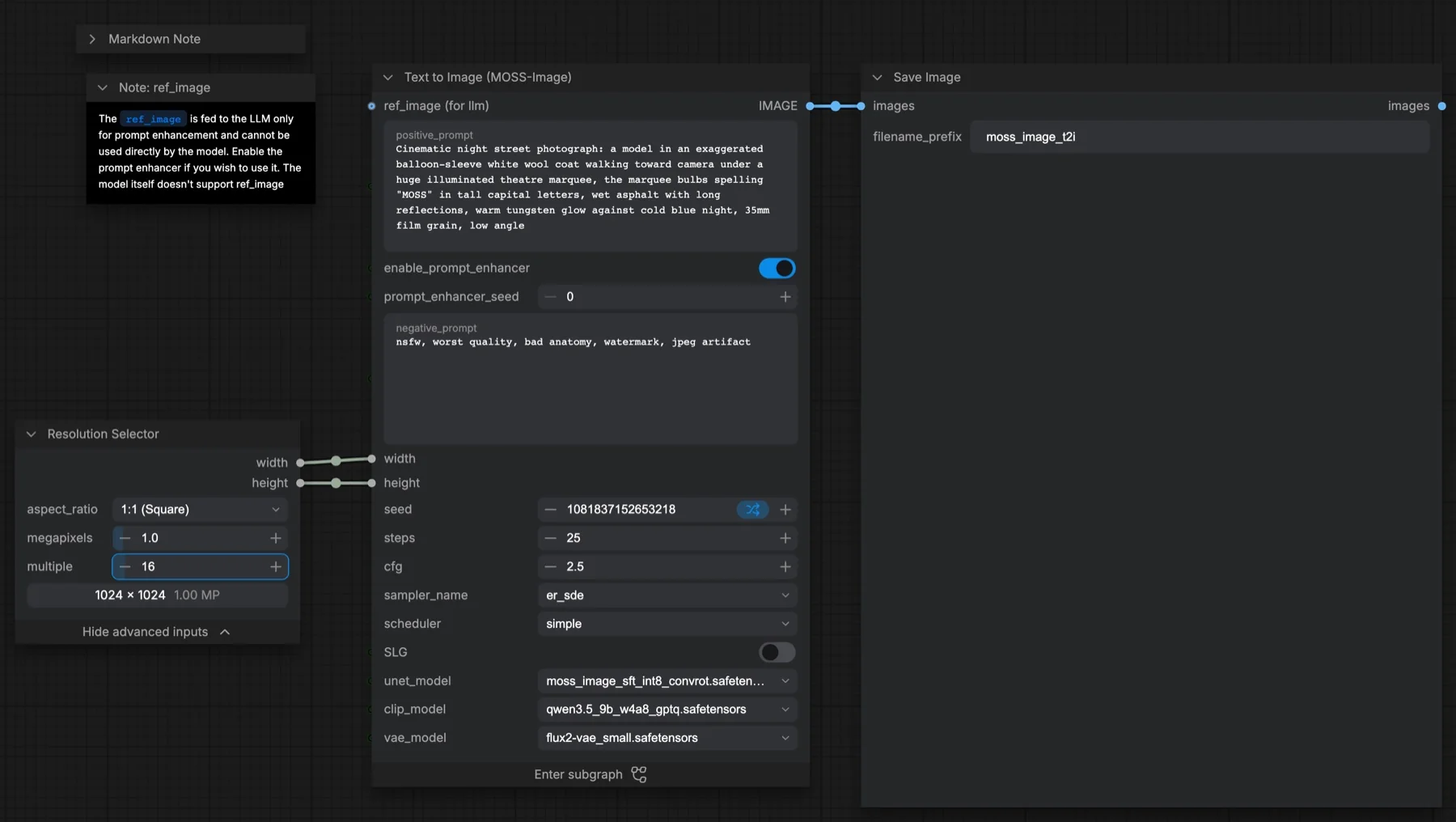
Run the MOSS-Image text-to-image template in ComfyUI: three files (13 GB), the 25-step CFG 2.5 settings versus the official 50 and 3, and the prompt enhancer.
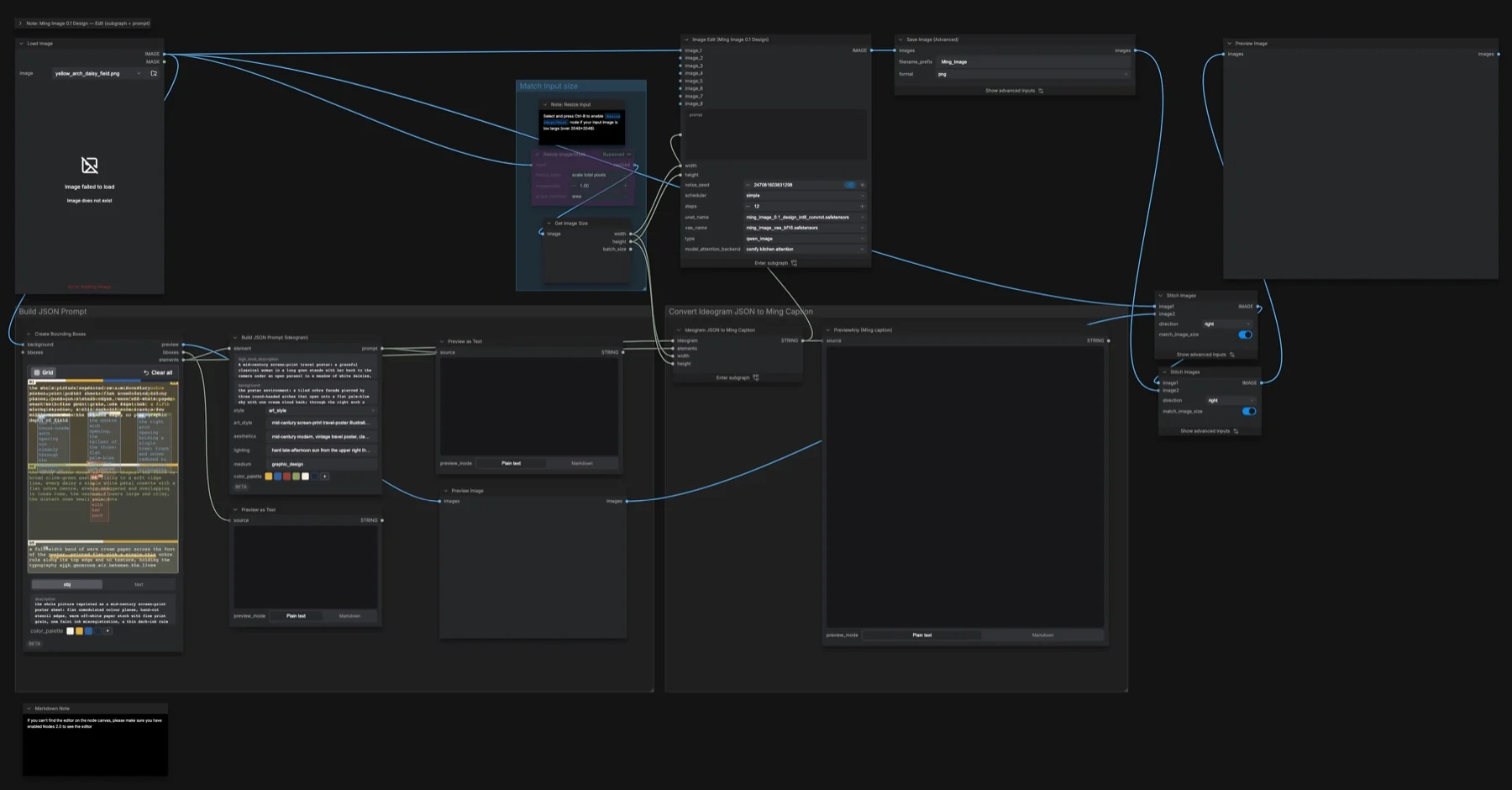
Edit images with Ming Image 0.1 Design in ComfyUI: draw boxes on a photo, turn them into a Figma-style caption, and re-render it in 12 steps. Files and settings.
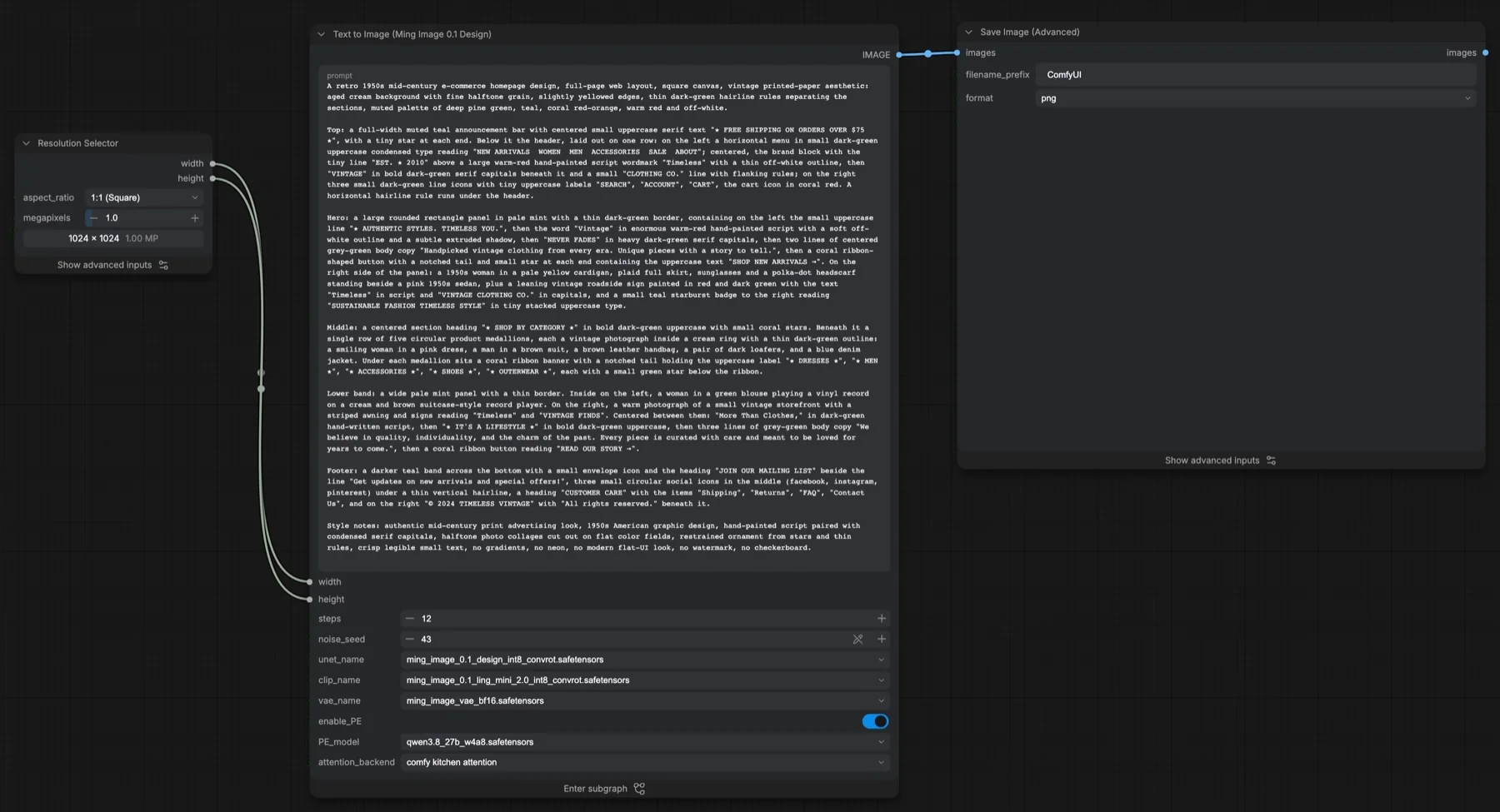
Set up Ming Image 0.1 Design text to image in ComfyUI: the four files and folders, the 12-step settings, the Qwen3.8 prompt enhancer and the MIT licence.
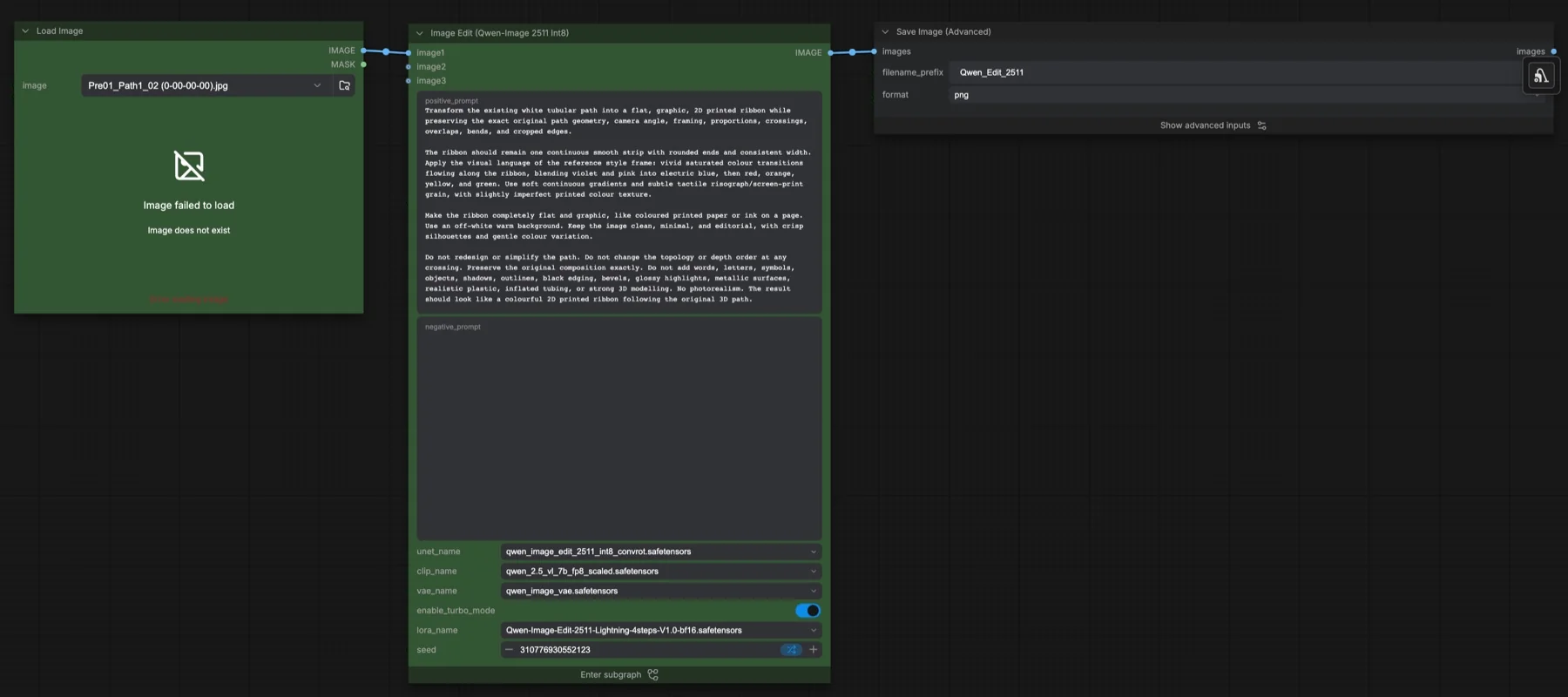
Edit images with the Qwen Image Edit 2511 Int8 template in ComfyUI: four files (31 GB), the 4-step Lightning LoRA switch, 40-step settings and licence notes.
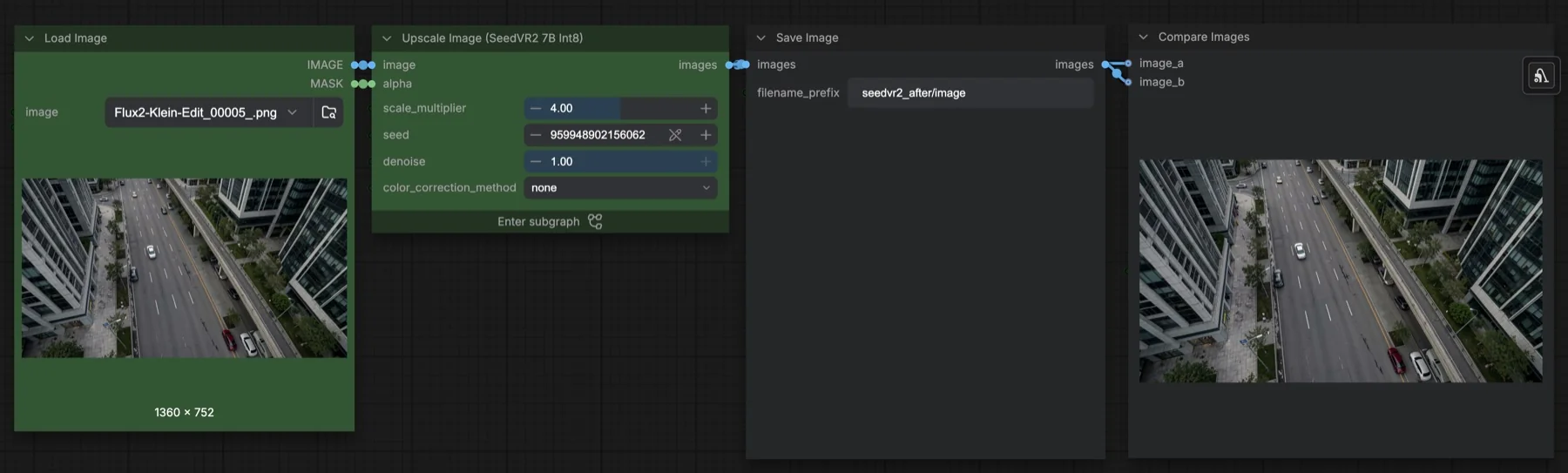
Upscale images 4x with the SeedVR2 7B Int8 template in ComfyUI: two Apache-2.0 files (8.8 GB), one sampling step, tiled VAE settings and colour correction.